CHAPTER 2: MRK-750 RIGGING UPGRADE KIT
8
INSTALLING THE MRK-750 RIGGING UPGRADE KIT
To install the MRK-750 rigging upgrade kit:
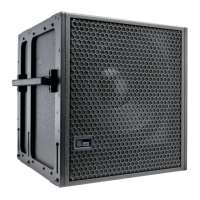
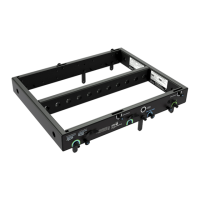
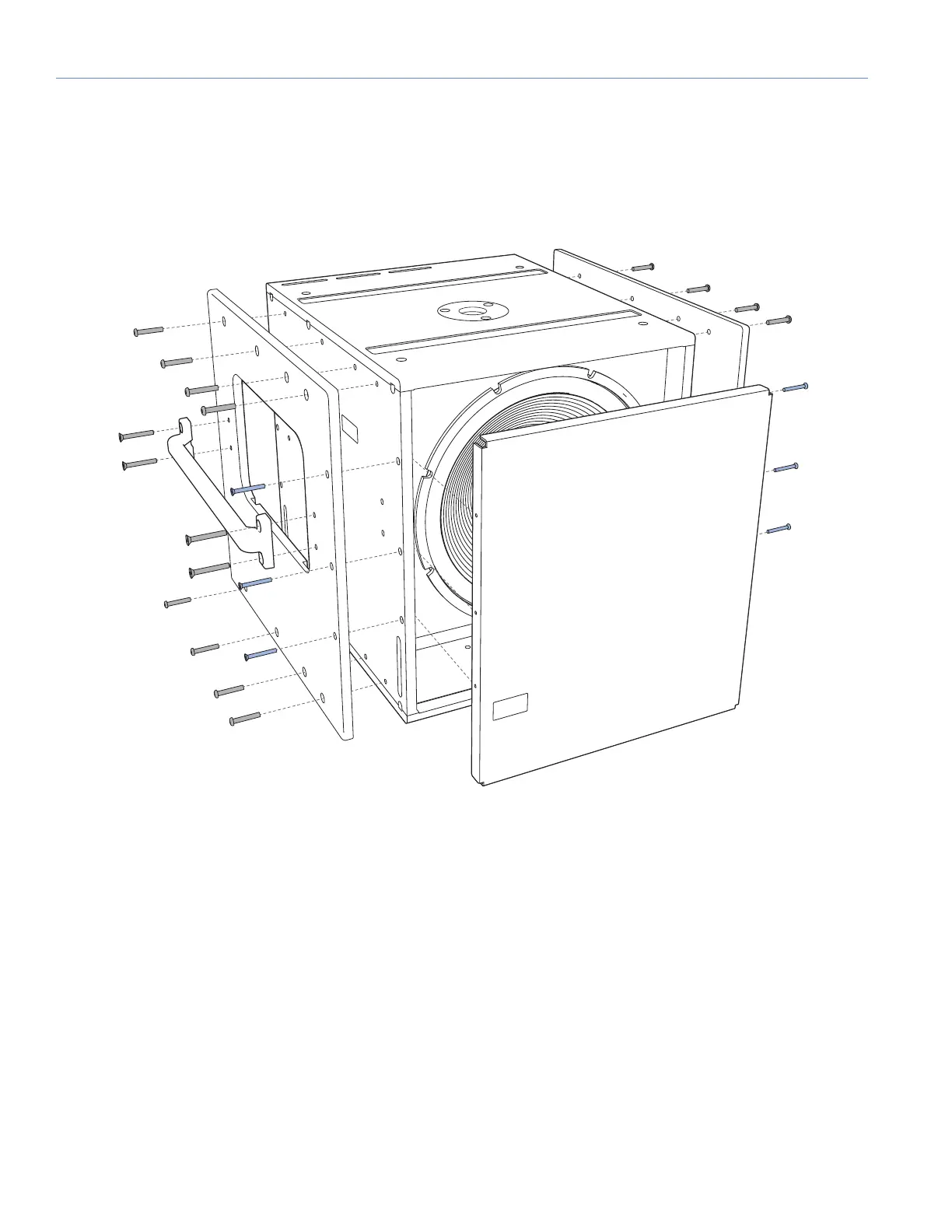
1. Remove the standard end frames and temporarily remove the grille frame (Figure 1):
• Use a Phillips screwdriver to remove the six 10-32 x 1.75-inch flathead screws (three each side) securing the grille frame
to the cabinet front. Remove the grille frame.
• Use a Phillips screwdriver to remove the eight 1/4-20 x 2-inch flathead screws (four each side) securing the handles to
the end frame. Remove the handle.
• Use a hex screwdriver to remove the (16) 1/4-20 x 1.5-inch button head screws (eight each side) from the cabinet sides.
Remove the cabinet sides.
• Set the 16 removed button head screws aside. They will not be used for the MRK-750 end frames.
Figure 1: Removing Existing End Frames and Grille


 To Next Page
 Loading...