AirConditioningandAudioSystems
Aftertheignitionswitchisturnedoff,pressthepower
buttontoturnontheentertainmentsystem,thesystem
willbeautomaticallypoweredoffafter30minutes.
StandbyMode
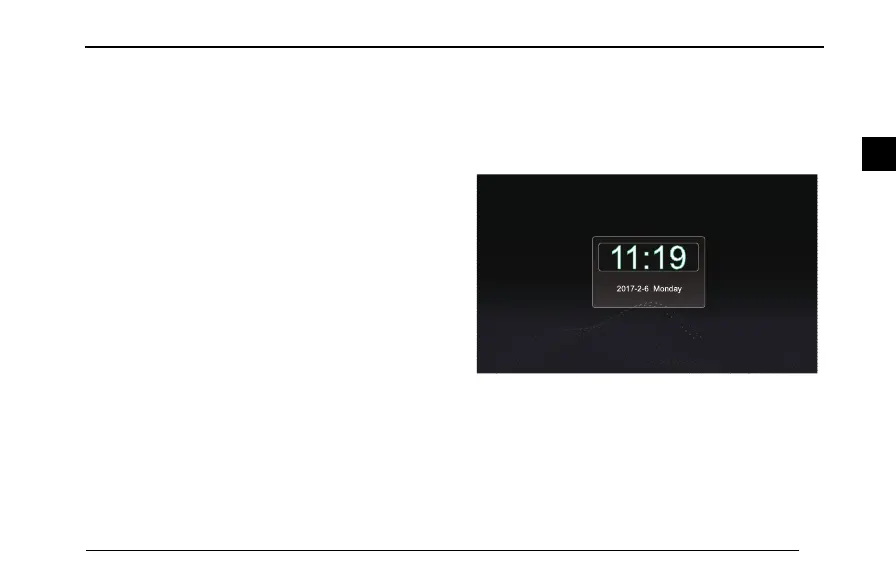
Longpressthepowerbuttonfor2secondstoallowthe
entertainmentsystementerthestandbymode,andthe
operationoftheentertainmentsystemmaybesuspended
whenthevehiclepoweristurnedon.
Inthestandbymode,allsoundswillbemuted,andthepanel
buttoncannotbeusedforotheroperations.T ocancelthe
standbymode,shortpressthepowerbutton.
Thestandbymodecanalsobecancelledbythefollowing
operations:
93
2



 To Next Page