AirConditioningandAudioSystems
1EnterDialPadinterface,andthentouch[Call
History]toentertheCallHistoryinterface.
2T ouchacertainCallHistoryrecordinthelisttocall
thecontact.
MobilePhoneCalls
1T urnontheBluetoothofmobilephonetopairwith
theentertainmentsystem.
2Selectacontactfromthemobilephoneanddial.
IncomingCall
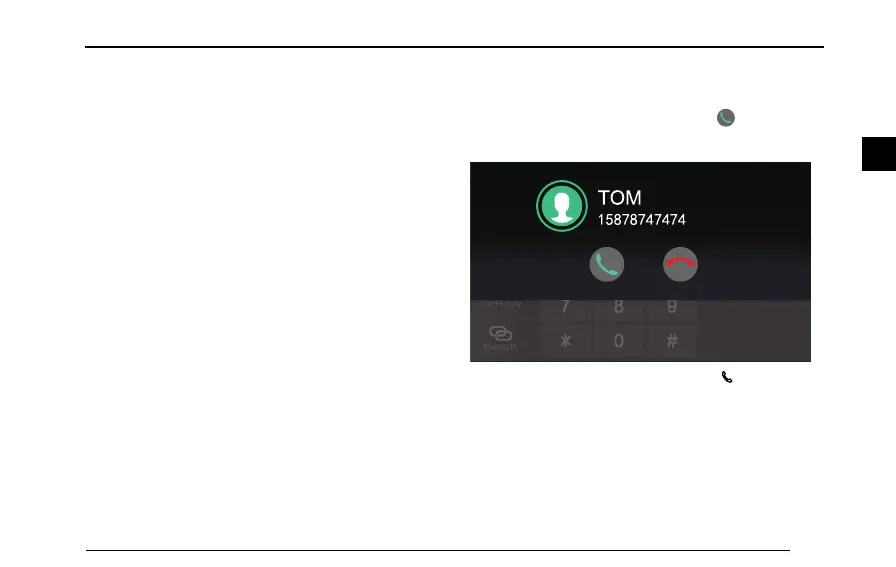
AnsweranIncomingCall
•Whenanincomingcallcomes,touchtoanswerthe
call.
K e y p a d
C o n t a c t s
T O M
•Intheincomingcallstate,shortpressbuttononthe
steeringwheeltoanswerthecall.
•Y oumayalsoselecttoanswerthecallwithyourmobile
phone.
107
2



 To Next Page