34007117EN/AB - Page 17
2. Installation
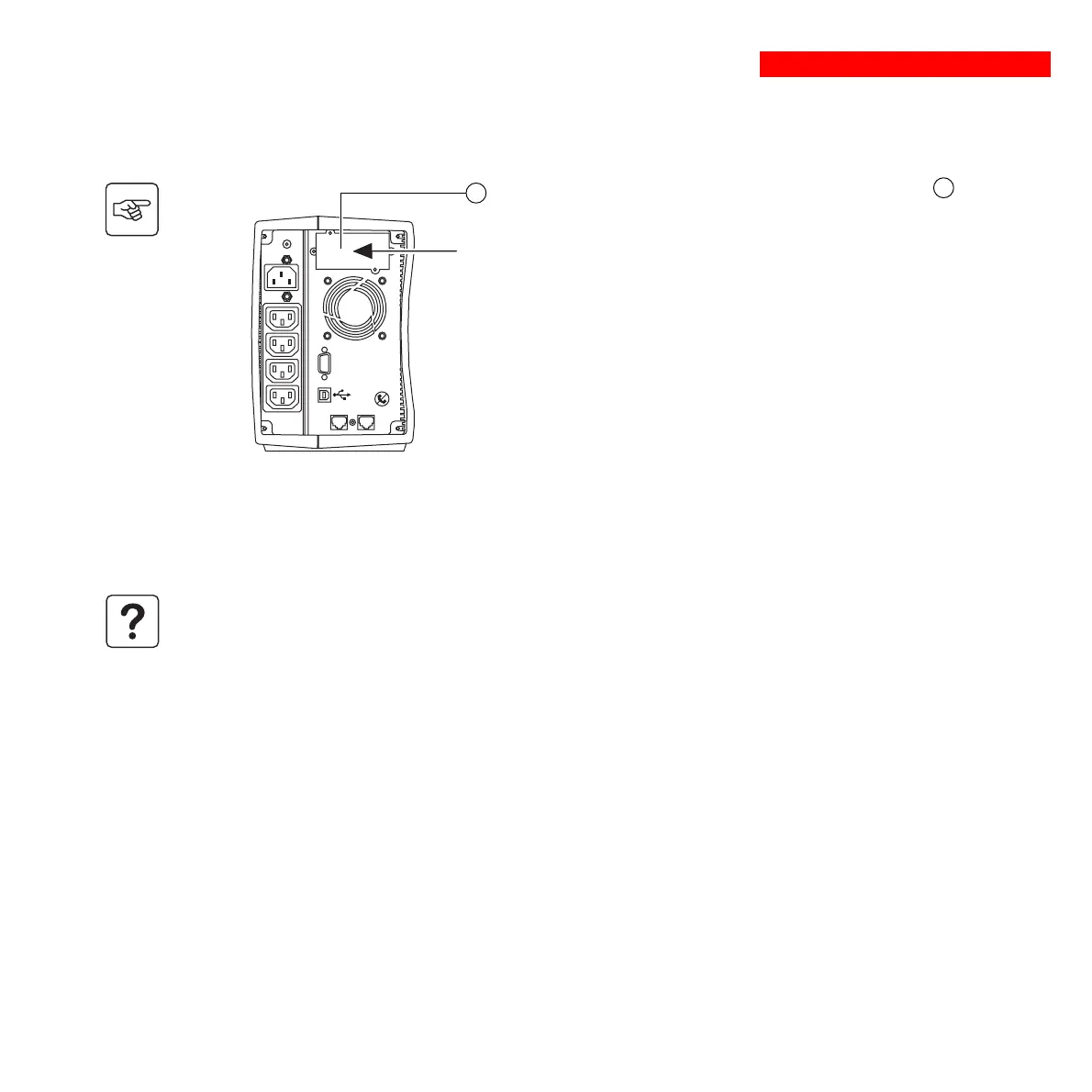
2.6 Installation of the communications-card option
1 - Remove the slot cover 4 secured by
two screws.
2 - Insert the card in the slot.
3 - Secure the cover with the two screws.
Restricted-access slot for
the communications card
4
IN
OUT
DATA LINE PROTECTION
RS232
It is not necessary to shut down the UPS to install the communications card.
This operation must be carried out by qualified personnel.






 To Next Page