5.5 Operator Installation
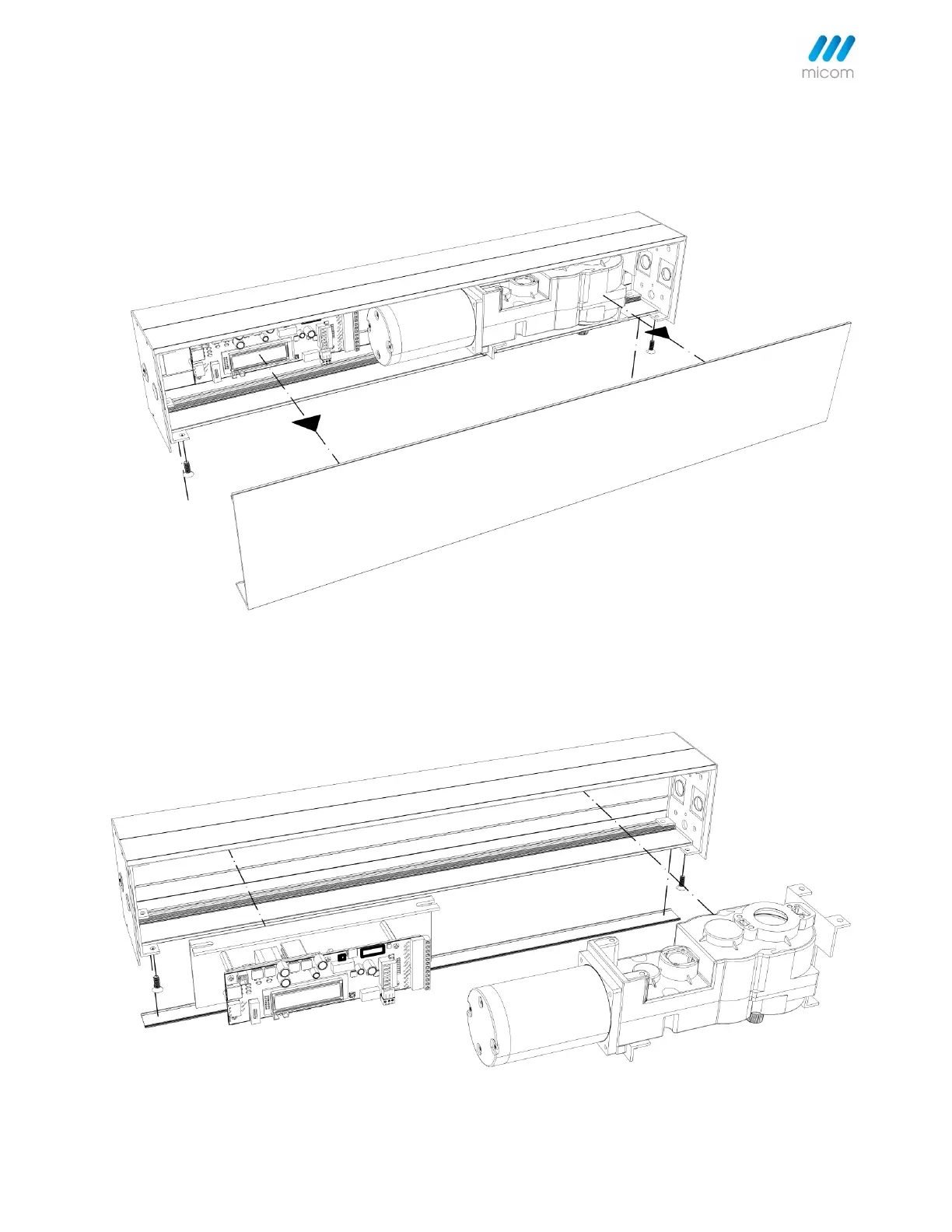
Step 1. Remove the cover from the assembly by gently pulling the cover down with minimal effort. Carefully set the
cover in a location where it will not be damaged.
Step 2. Remove the motor/gear box and control board from the back plate, make through holes on the back plate for
mounting header where appropriate.
Note: Can be installed without removal of motor/gear box and control board if preferred.



 To Next Page