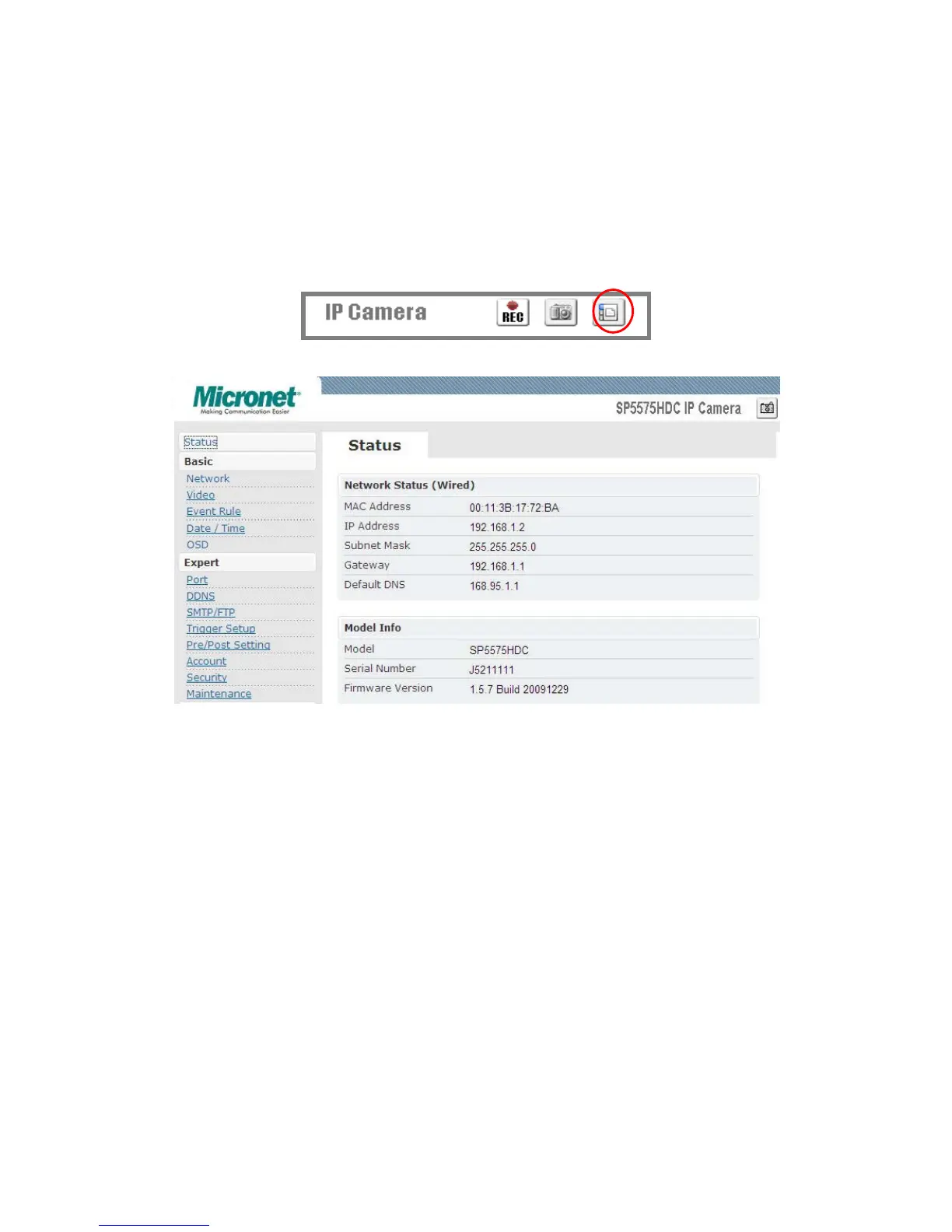
provides the access to further settings. Enable the top-right side icon in
the live viewing page to access to the further settings. This button also
works as a switch between configuration and live viewing page. (Please
refer to the picture in p.16)
z Status
1. Status is the first item of the setting options.
2. This page shows the IP address, MAC address of the video server,
hardware, firmware information, and other related information.
z Network
There are three types of network connection: STATIC, DYNAMIC and,
PPPoE.
Æ Static IP



 To Next Page