7. FACTORY DEFAULT
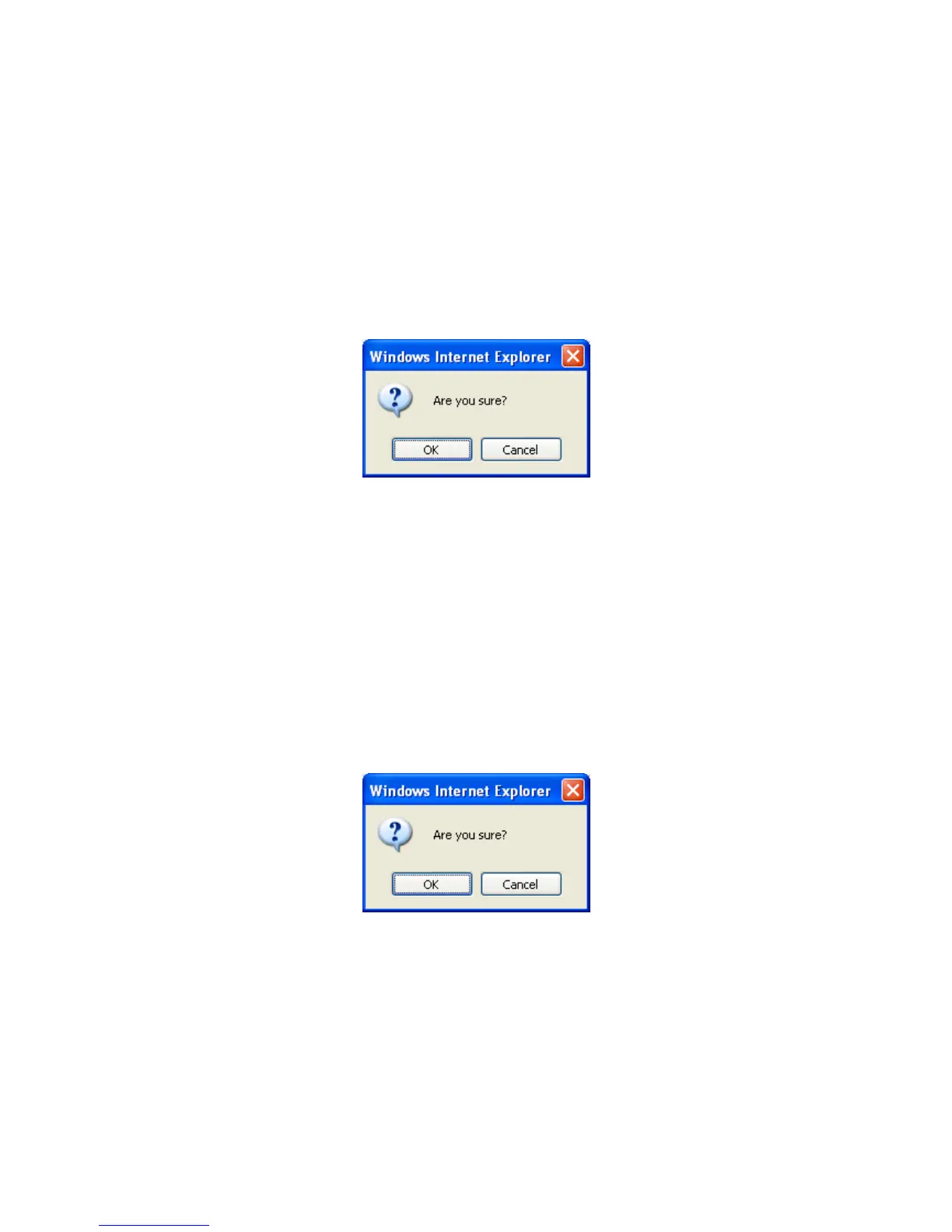
While the confirmation dialog box appearing, press OK button to load
default setting and do reboot. You will see the countdown timer running. The
login page will appear as finishing. Please login with root/pass.
8. REBOOT
Press Reboot and one dialog box will pop up. Press OK on the dialog box;
the reboot countdown timer will start running. After finishing, the login page
will appear. Please login with the correct account name and password.
9. LOGOUT
Press logout to return to the login page. The login page should
appear within few seconds.



 To Next Page