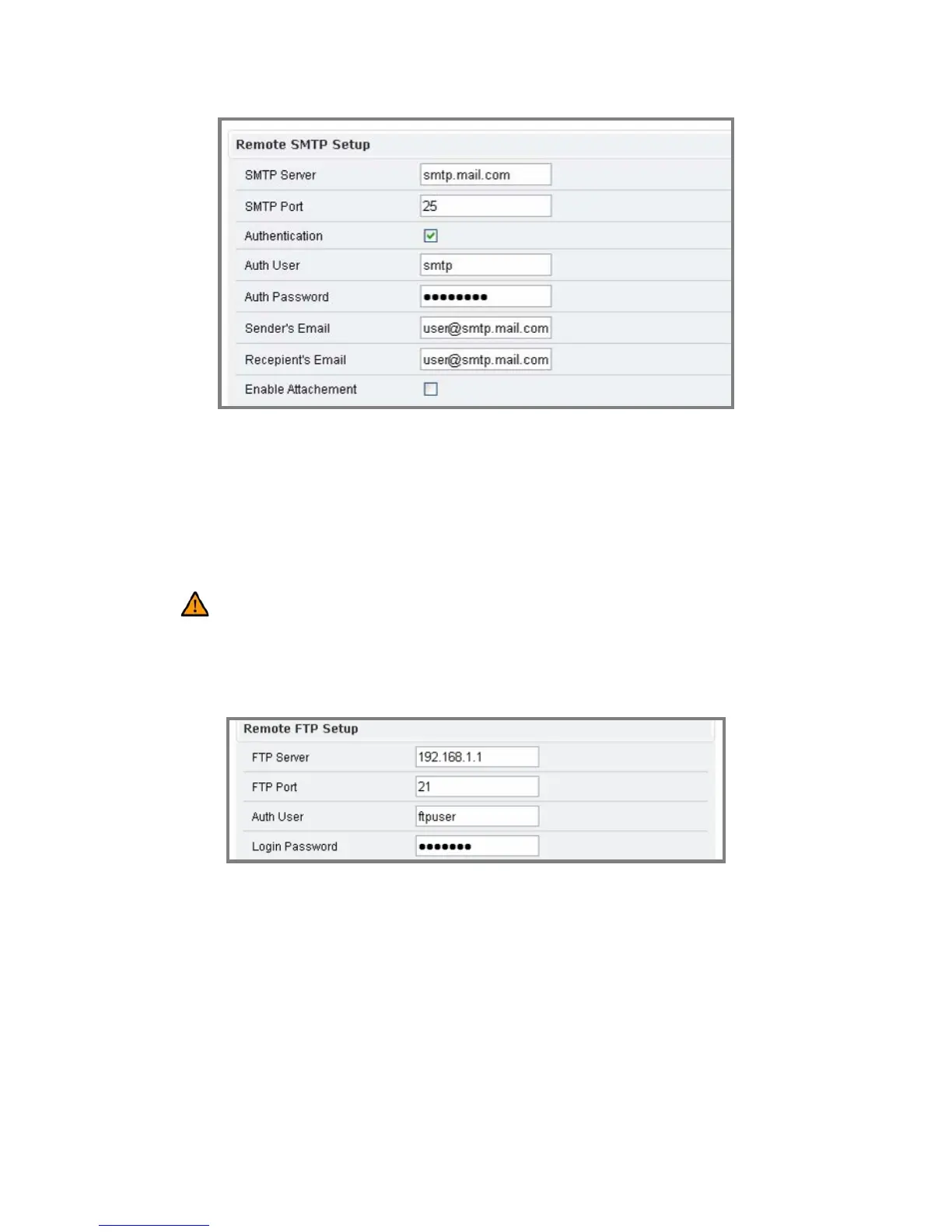
Æ FTP Setting
Please fill in the address of remote FTP server, port number, user name,
and password.
Caution: Users may assign the port value (e.g.30). Please pay attention that
if the port is changed (e.g.80), users have to put: 80 in the end of the IP address to
facilitate the operation.



 To Next Page