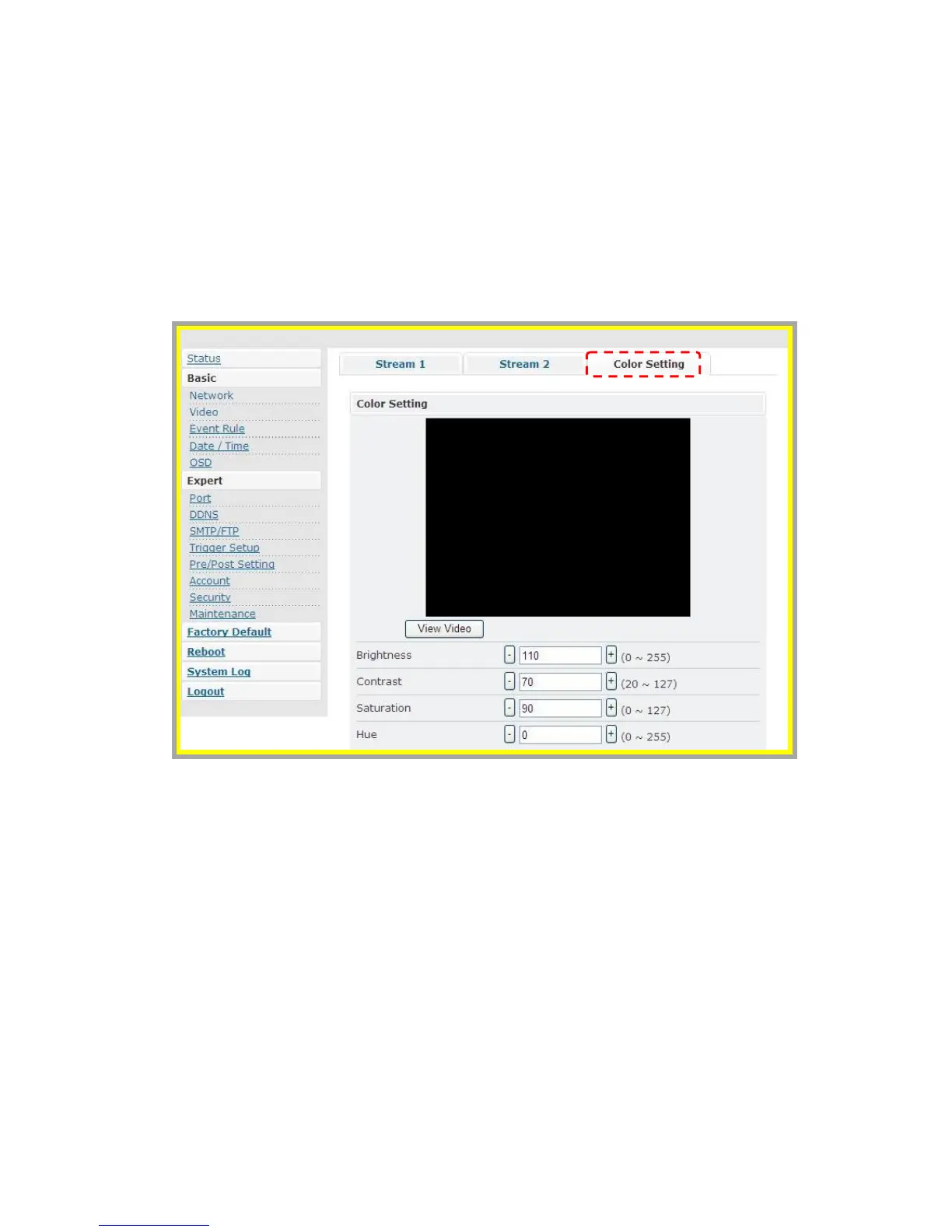
Æ Color Settings
Users may make some fine adjustments to the video quality.
The following is the instruction:
1. BRIGHTNESS: Adjust the brightness of the image.
2. CONTRAST: Adjust the
variation in the intensity of an image.
3. SATURATION: Adjust the intensity of color in the image.
4. HUE: Adjust the gradation or variety of a color.



 To Next Page