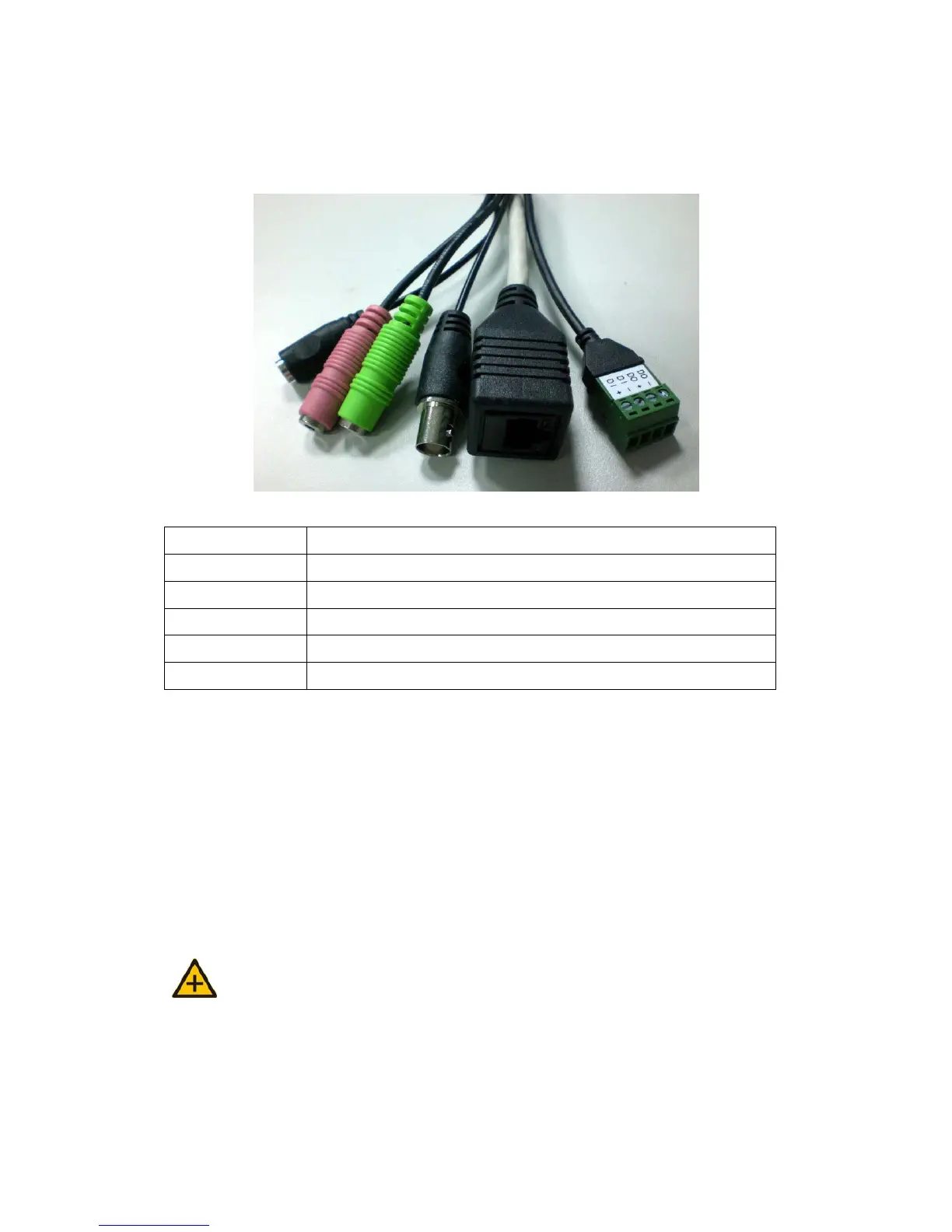
z Connectors
1 Connect Power Adapter
2 Digital Input & Digital Output
3 RJ-45 Ethernet Connector
4 Audio Input
5 Audio Output
6 Video Output
2. SETTING AND INSTALLATION
Note:
z Connect IR OUTDOOR CAMERA to your network by using a standard Cat-5
cable.
z Connect the video output of your camera with video in of video server, using
standard 75Ω coaxial cable with BNC type connector.



 To Next Page