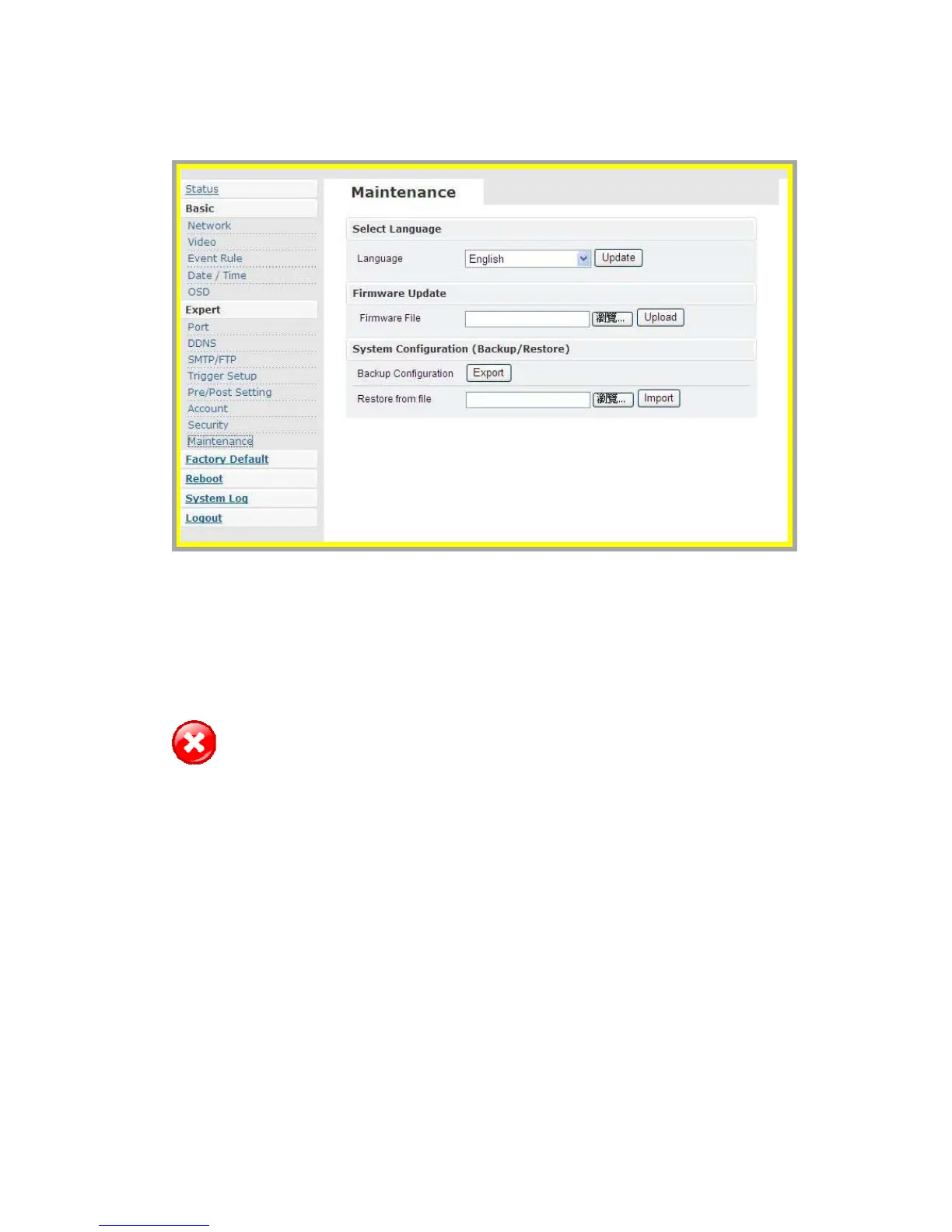
z Maintenance
Æ Language
¾ The default setting is English.
¾ Language options include: Traditional Chinese and English.
Æ Firmware Update
Warning: The power supply must be steady as upgrading the firmware. The
power failure during the upgrade process results in serious damage
to the machine.
Users can download the firmware file from your vendor. Choose the specific
one and press upload. When uploading is finished, reboot will be requested
and automatically triggered.
Æ System Configuration (Backup / Restore)
You can backup the current configuration setting and save it as a file.



 To Next Page