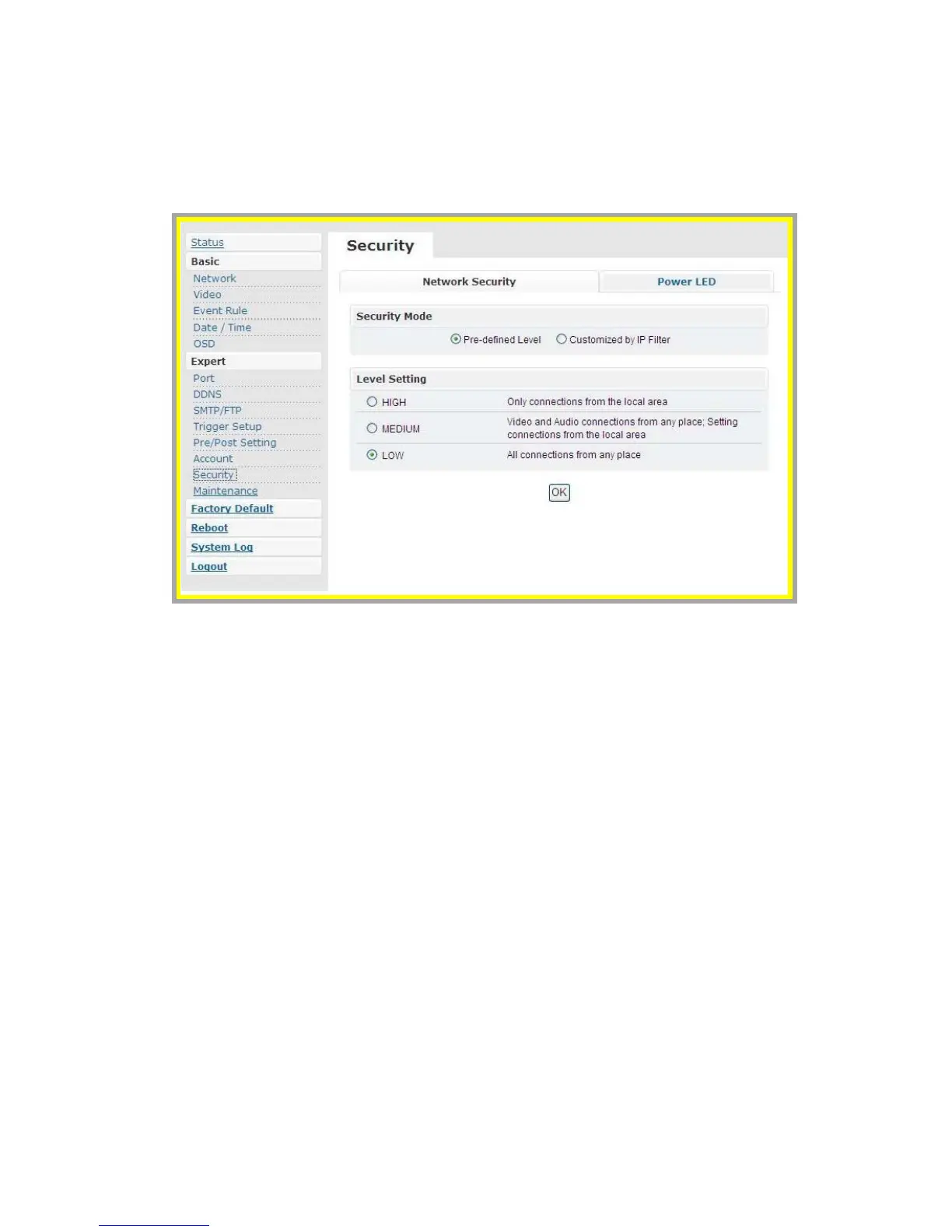
z Security
The default setting of security is LOW.
1. Definition of Each Security Level
a. HIGH: ONLY LAN connections are permitted.
b. MEDIUM: Video and audio connections from any location and
settings from LAN are permitted.
c. LOW: All connections from any location are permitted.
2. Power LED
a. Turn On: As the default setting, power LED will always be on during
the operation.
b. Turn Off: Config power LED as off during operation.



 To Next Page