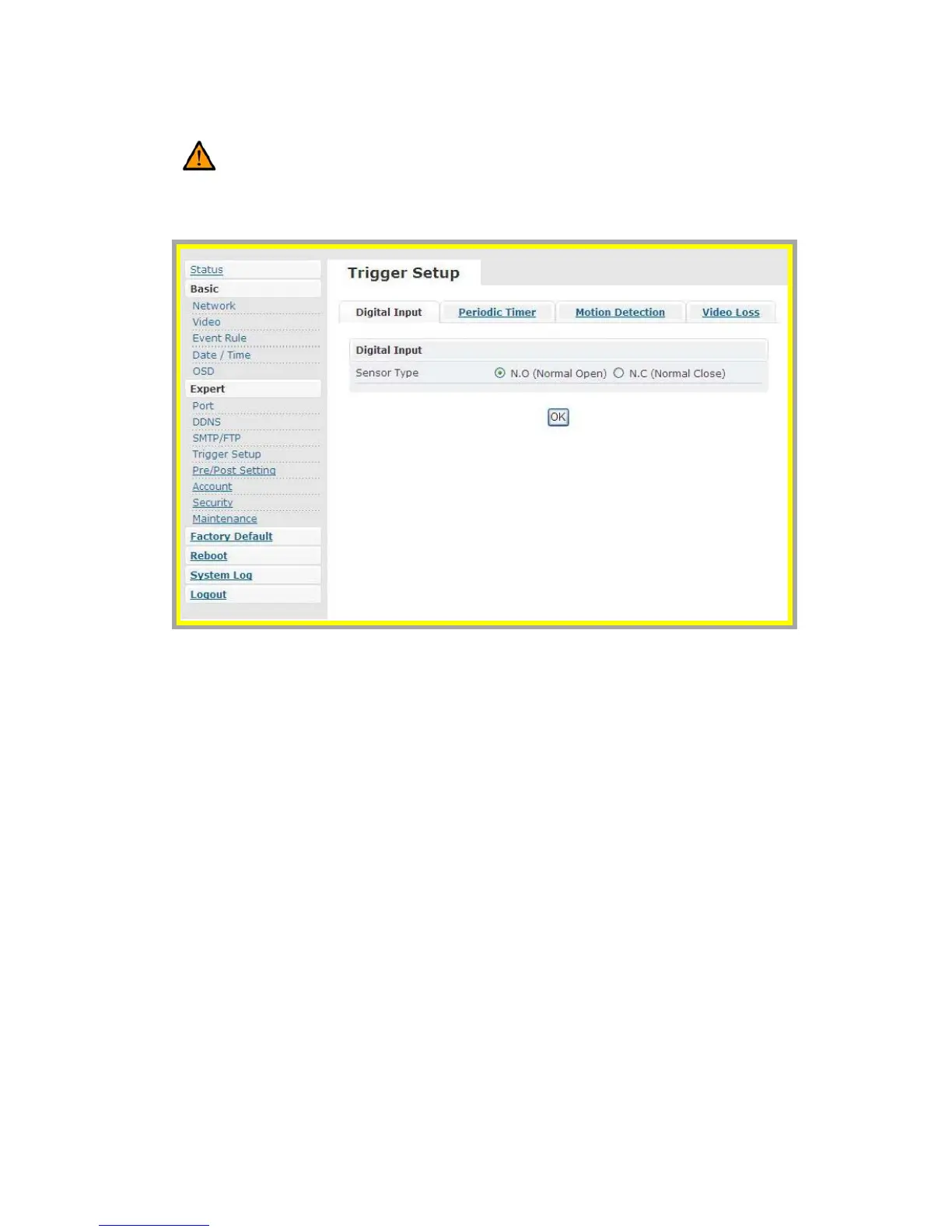
z Trigger Setup
Caution: The anode of Mini DIN has to be connected to the anode of the
device to facilitate the operation. So does the cathode.
Four different types of EVENT can be triggered
Æ Digital Input (DI)
There are two selectable options: Normal Open (N.O.) and Normal Close
(N.C.)
Users may choose the proper option depending on the input type. Be sure to
press “OK” to save the setting.



 To Next Page