notice that is added in the Rule lists Information box.
Æ Modifying Rule Lists
User may press Delete All to delete the items of event rules.
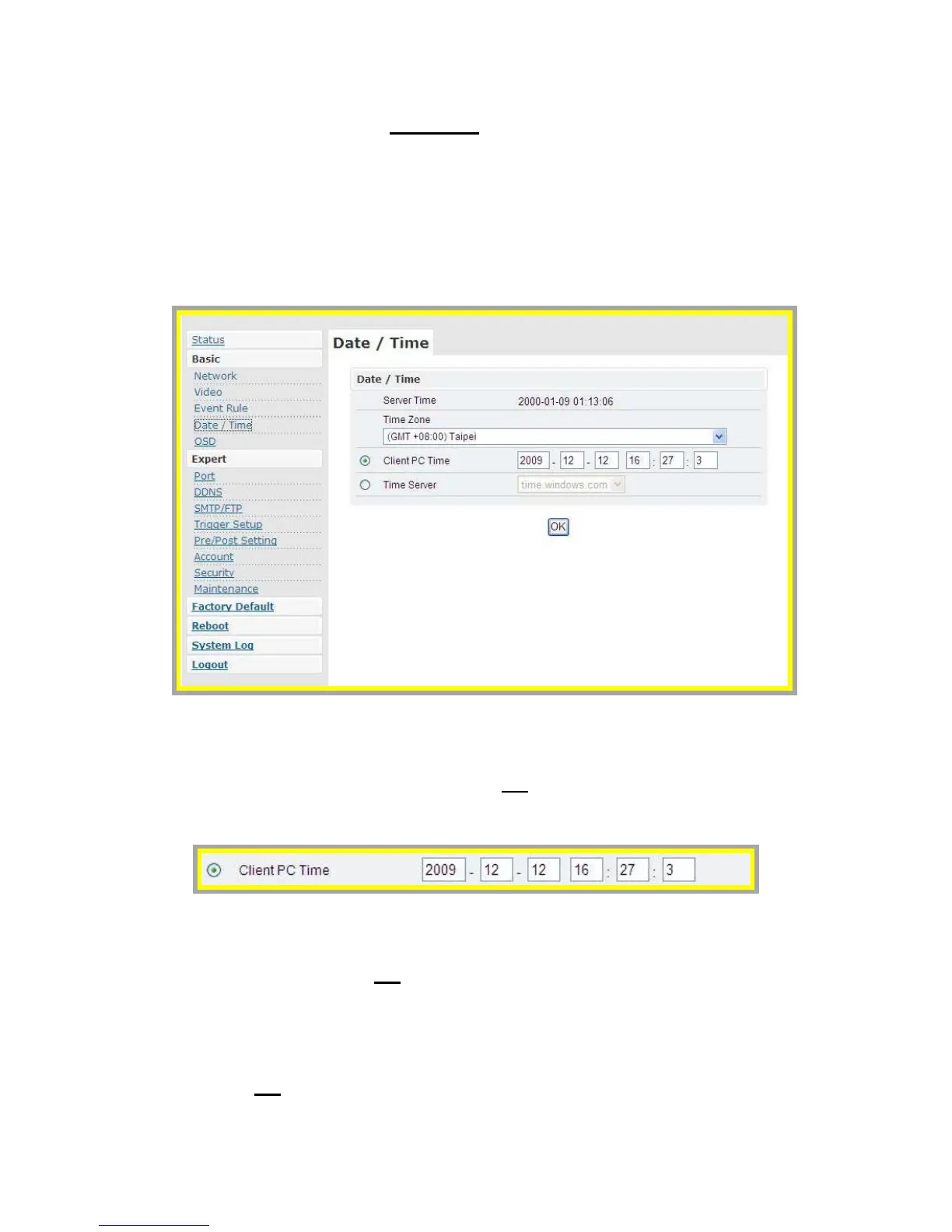
z Date & Time
1. Press the “Client PC time” check box, Date and time setting can be
synchronized with PC directly. Press “OK
” after you have the setting
done.
2. Time zone can be chosen from the two listed time servers.
3. After selecting, the time server can be set to synchronize the time of
video server.
Press “OK” after you have changed settings.
4. If you want to manually input time server, choose “Other” then you can
find a manually input edit box. Key in your preferred time server and
press “OK
”.



 To Next Page