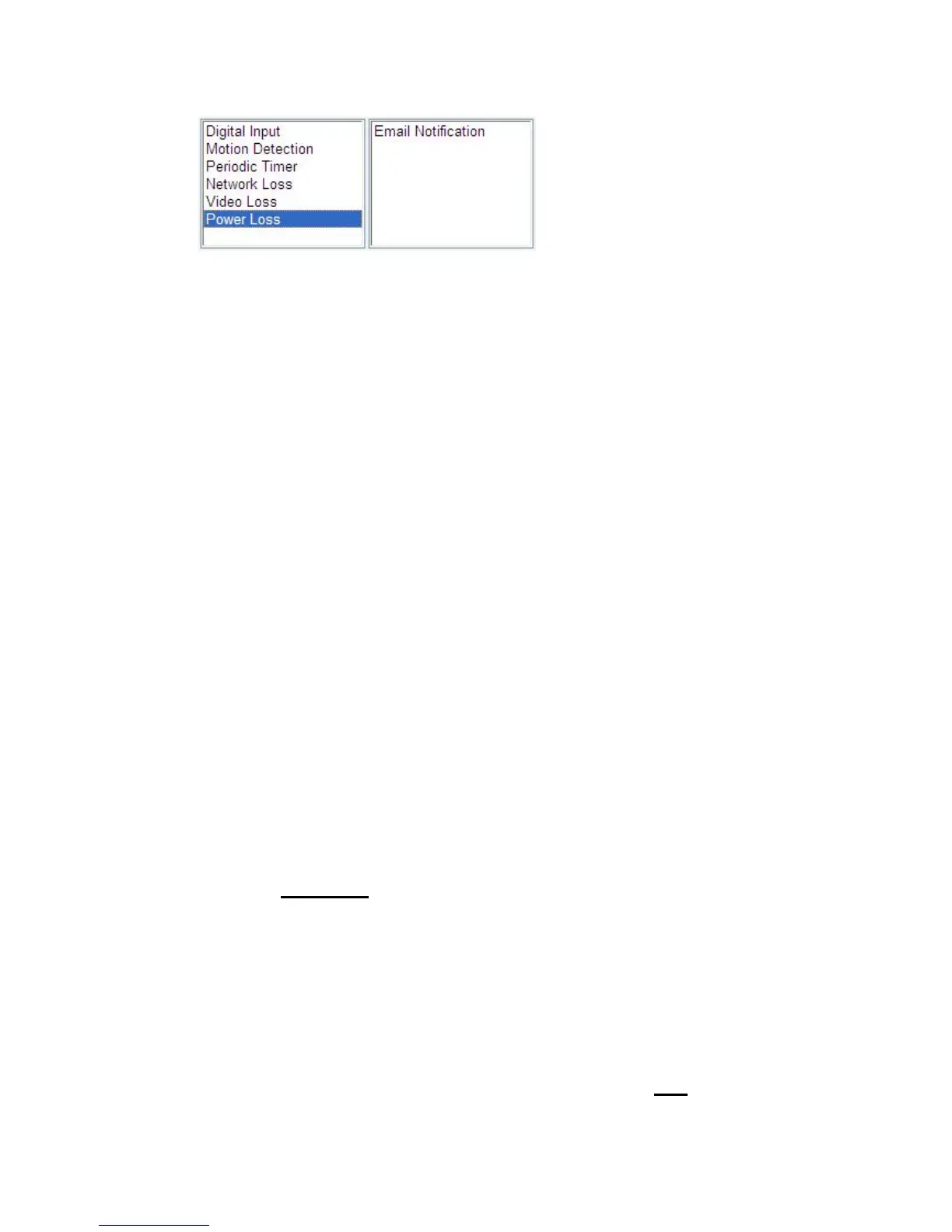
Æ Events Triggered
1. Digital Input: Two options: “Normal Open” (N.O.) or “Normal Close”
(N.C.)
2. Motion Detection: If a motion is detected in the defined areas, an event
will be triggered.
3. Periodic Timer: An event will be triggered following the schedule of the
pre-defined time interval. For example, if the time interval is set
60-second, the event will be triggered once per 60-second.
4. Network Loss: When network loss is detected, an event will be triggered.
5. Video Loss: When video loss is detected, an event will be triggered.
6. Power Loss: When system power loss is detected, and event will be
triggered. The e-mail notification which indicates the time interval of
power loss will be made as powering on.
Æ Events Handdled
1. Digital Output: Activate digital output.
2. E-mail Notification: E-mail can be sent based on occurrence of an event
listed out in “Rule Lists
”.
3. Record: When event triggered, system will record streaming to FTP
Server.
Æ Rule Lists – Adding / Deleting
Select an event and choose its corresponding actions. Press add button and



 To Next Page