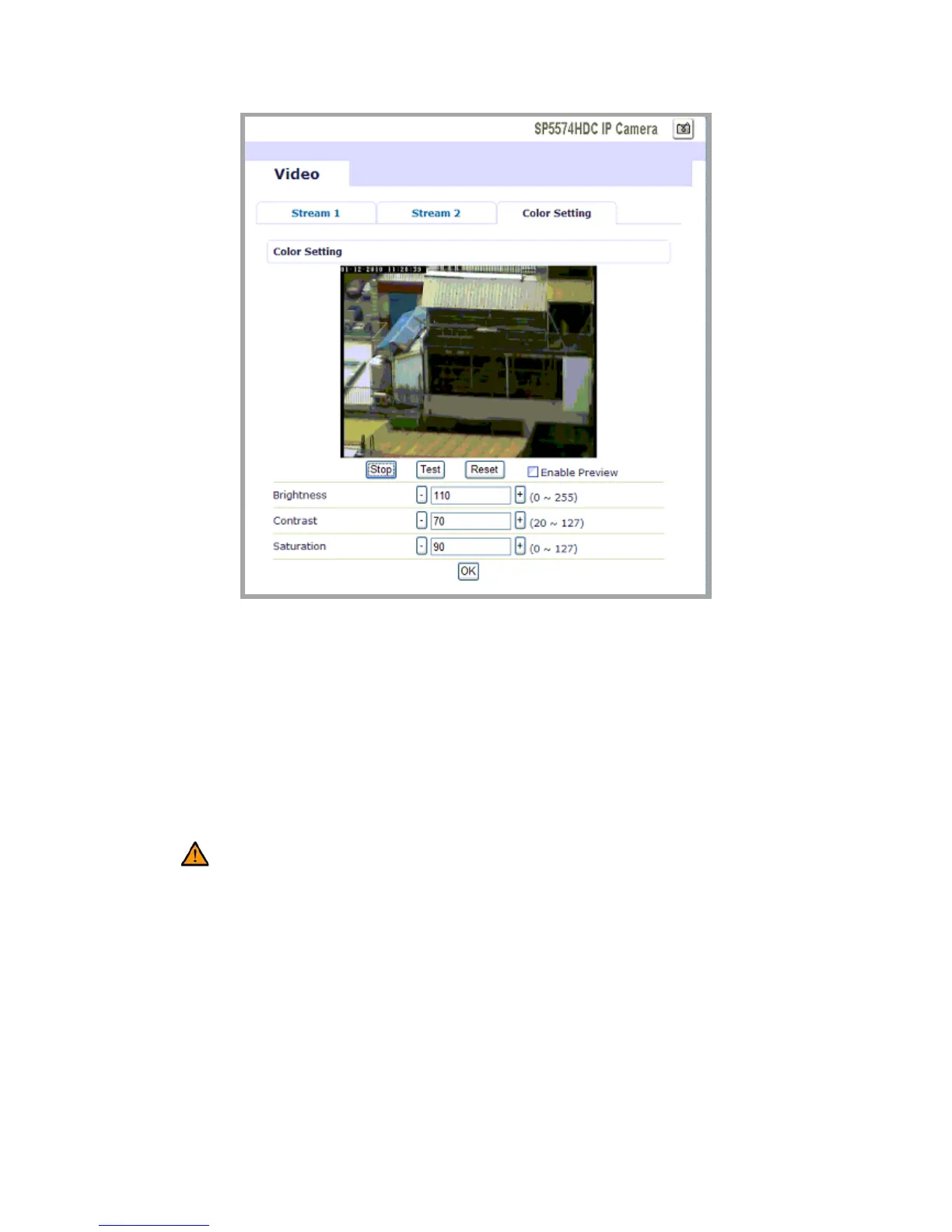
Press Stop to exit preview mode. You could alter other parameters and
press TEST to see the expected video image. In the process, user can
press Reset anytime to return to the default settings. Check Enable
Preview to save the current setting – the new settings will be enabled
immediately.
Caution: Do not forget to press “OK” button to save the current settings.
z Event Rule
IR OUTDOOR CAMERA is capable of handling all basic and standard
events.



 To Next Page