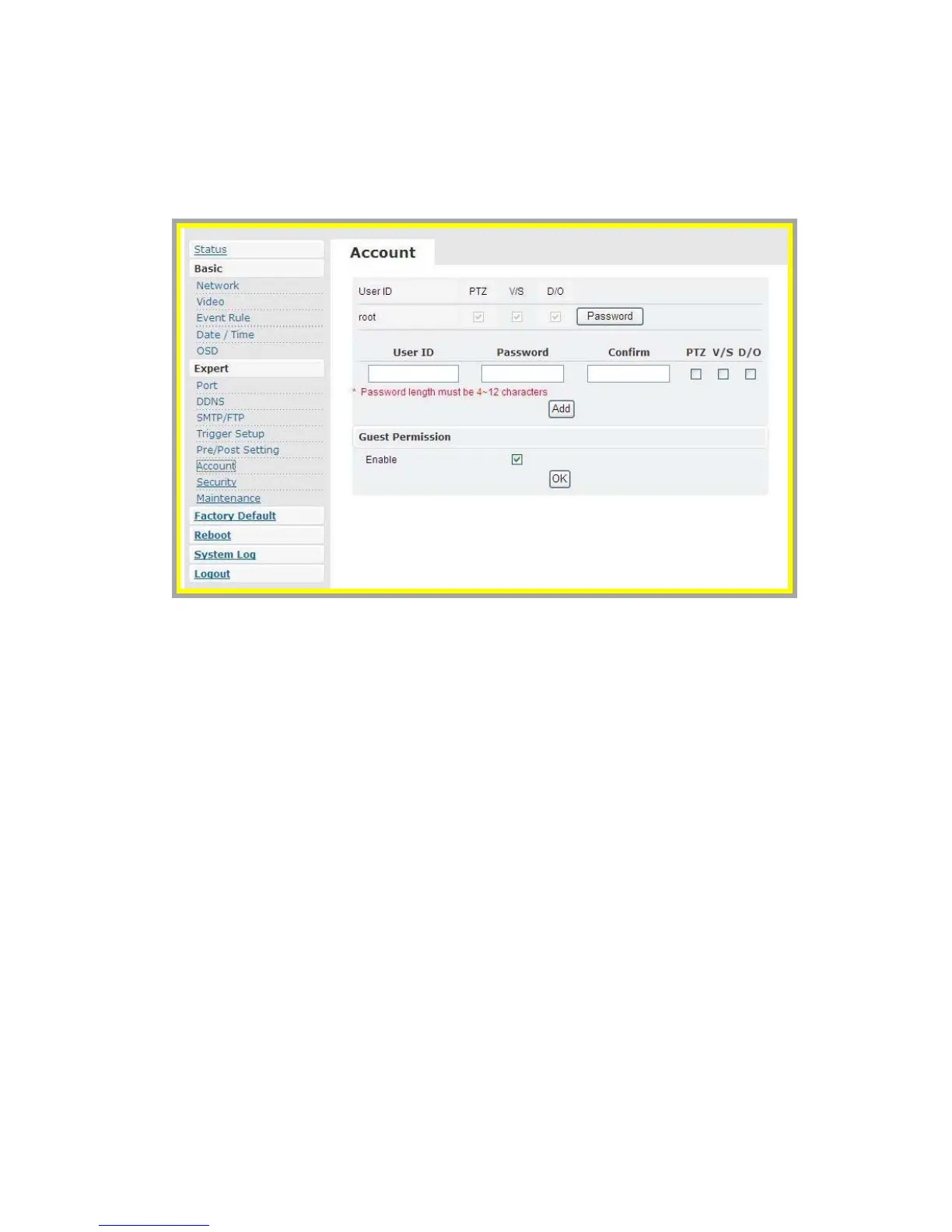
z Account
Administrator can create new user accounts. Login as the administrator
and create user accounts by clicking on “Add”. Administrator can assign
different combinations of authorities for each user account. The options
include video settings, and digital out. Administrator may alter the
combination of authorities anytime.
There are limits to the length of user’s name and password. If the length
exceeds the limit, a dialog box will pop out for notification. Guest
permissions can be turned ON/OFF by each individual account.



 To Next Page