D5CUB System Board Manual
Section 2: Configuring the D5CUB
18
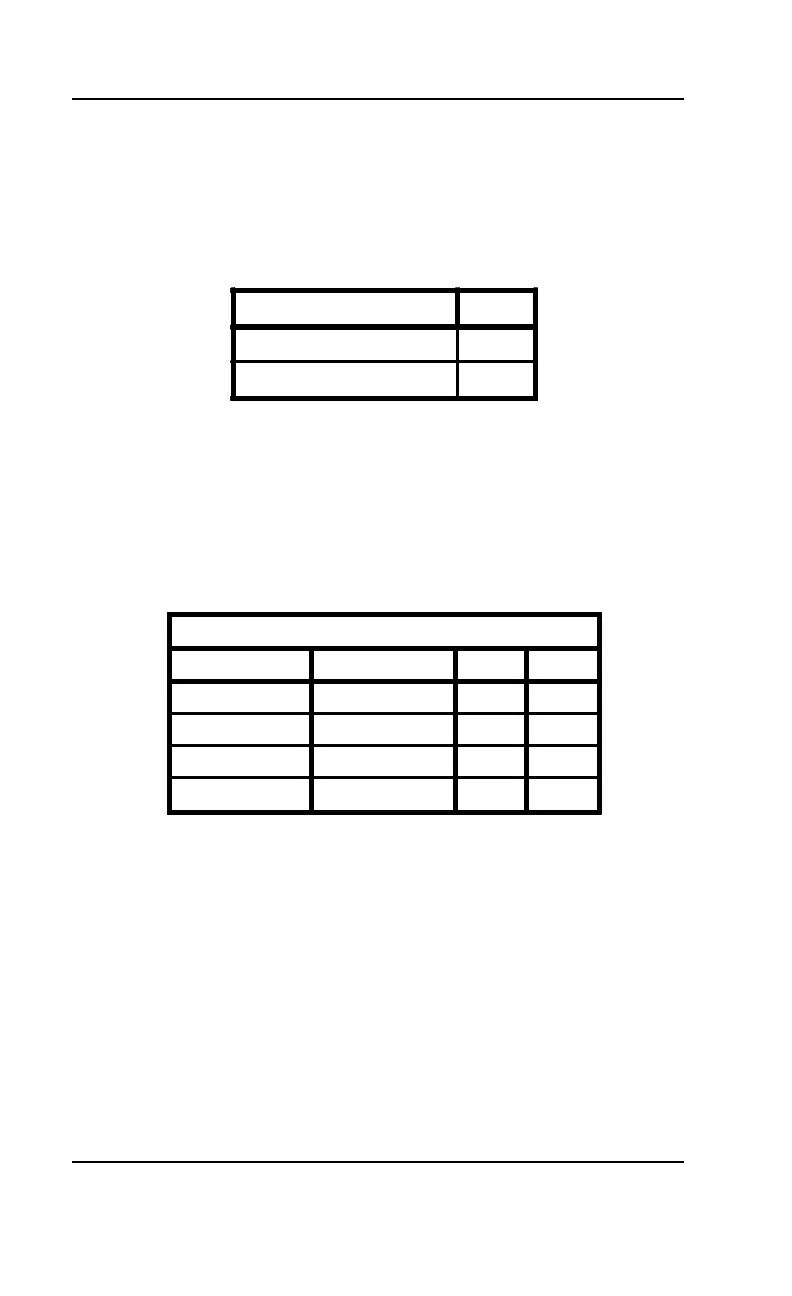
Table 2-9 lists the settings to clear the BIOS CMOS settings. With your
computer's power off, close pins 1-2, then turn the power on for about
five seconds. Turn the power off and place the jumper back on pins 2-
3. NOTE: This will reset all BIOS default settings. Any changes you have
made will be lost.
Table 2-10 lists the available clock ratios (internal/external) and the
corresponding jumper settings. Note that these settings are also in-
cluded in Tables 2-1 and 2-2, the System Speed Selection tables.
Clear CMOS Memory JP13
Normal OFF
Clear ON
Table 2-9: Clear CMOS Memory
Clock Ratio (Internal:External)
Intel Cyrix JP15 JP16
1.5:1 4:1 2-3 2-3
2:1 2:1 1-2 2-3
2.5:1 1:1 1-2 1-2
3:1 3:1 2-3 1-2
Table 2-10: Clock Ratios



 To Next Page