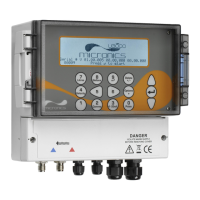
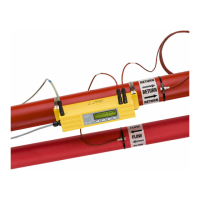
:
ii Portaflow 220 User Manual
(Issue 1.0)
4: Maintenance & Repair 27
5: Troubleshooting 29
5.1 Overview 29
5.2 General Troubleshooting Procedure 30
5.3 Warning & Status Messages 31
5.4 Test Block 33
5.5 Microprocessor Reset Facility 34
5.6 Diagnostics Display 34
Appendix A: Specification 35


 To Next Page