Chapter 4 The Part Queue
4-10 Visionscape FrontRunner™ User’s Manual v4.1.3, April 2012
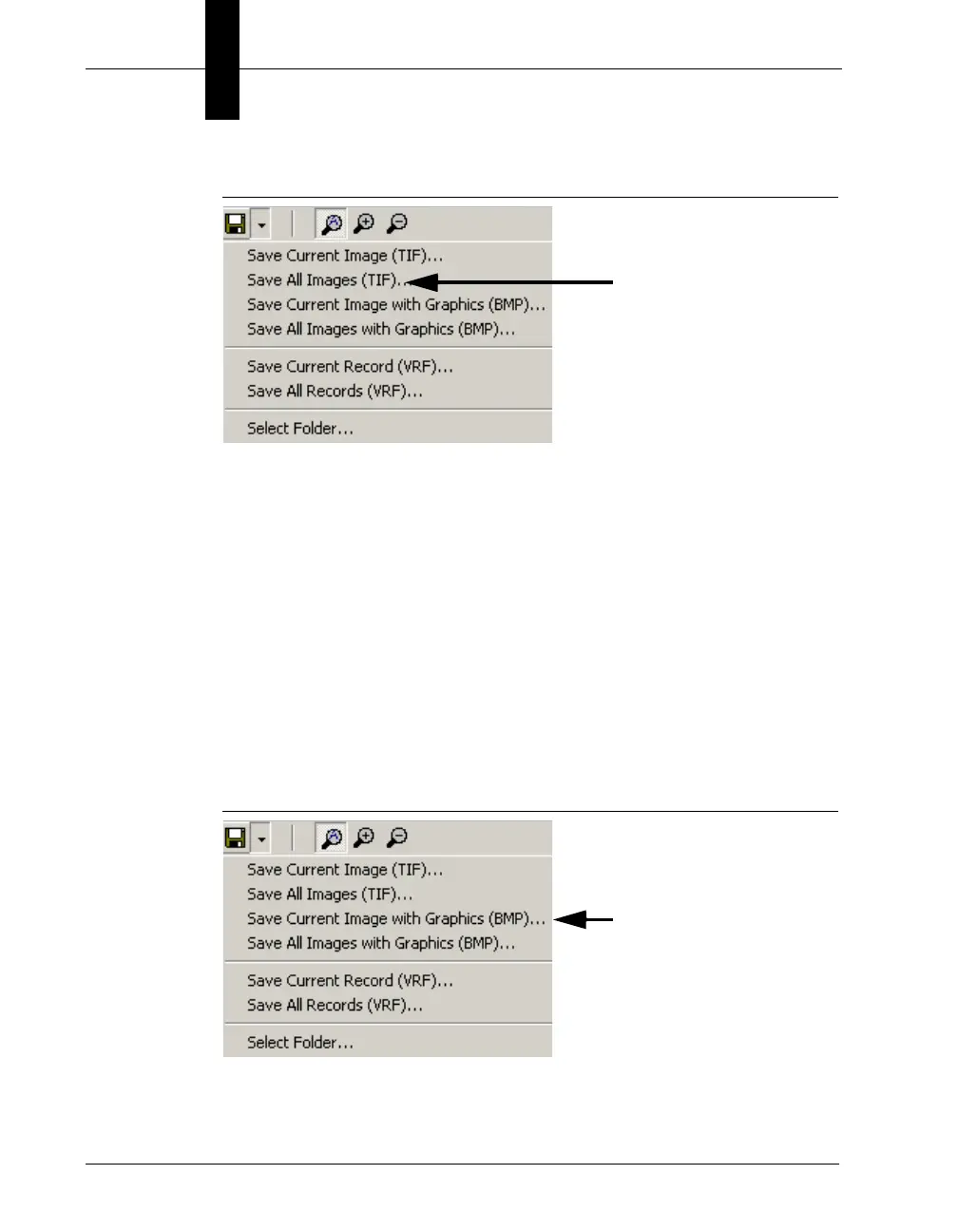
FIGURE 4–10. Save All Images
FrontRunner™ displays the Select Folder to Save All Images dialog
box.
2. Select a folder and click OK.
FrontRunner™ saves the images in the folder you specified.
Saving Current Image with Graphics from the Part Queue
Use the following procedure to save the current image, with graphics,
from the Part Queue:
1. From the Save drop down menu, click Save Current Image with
Graphics (BMP), as shown in Figure 4–11.
FIGURE 4–11. Save Current Image with Graphics
FrontRunner™ displays the Save Current Image With Graphics
dialog box.



 To Next Page