Page 11
midlandusa.com
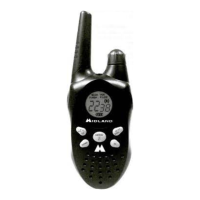
Model MXT115
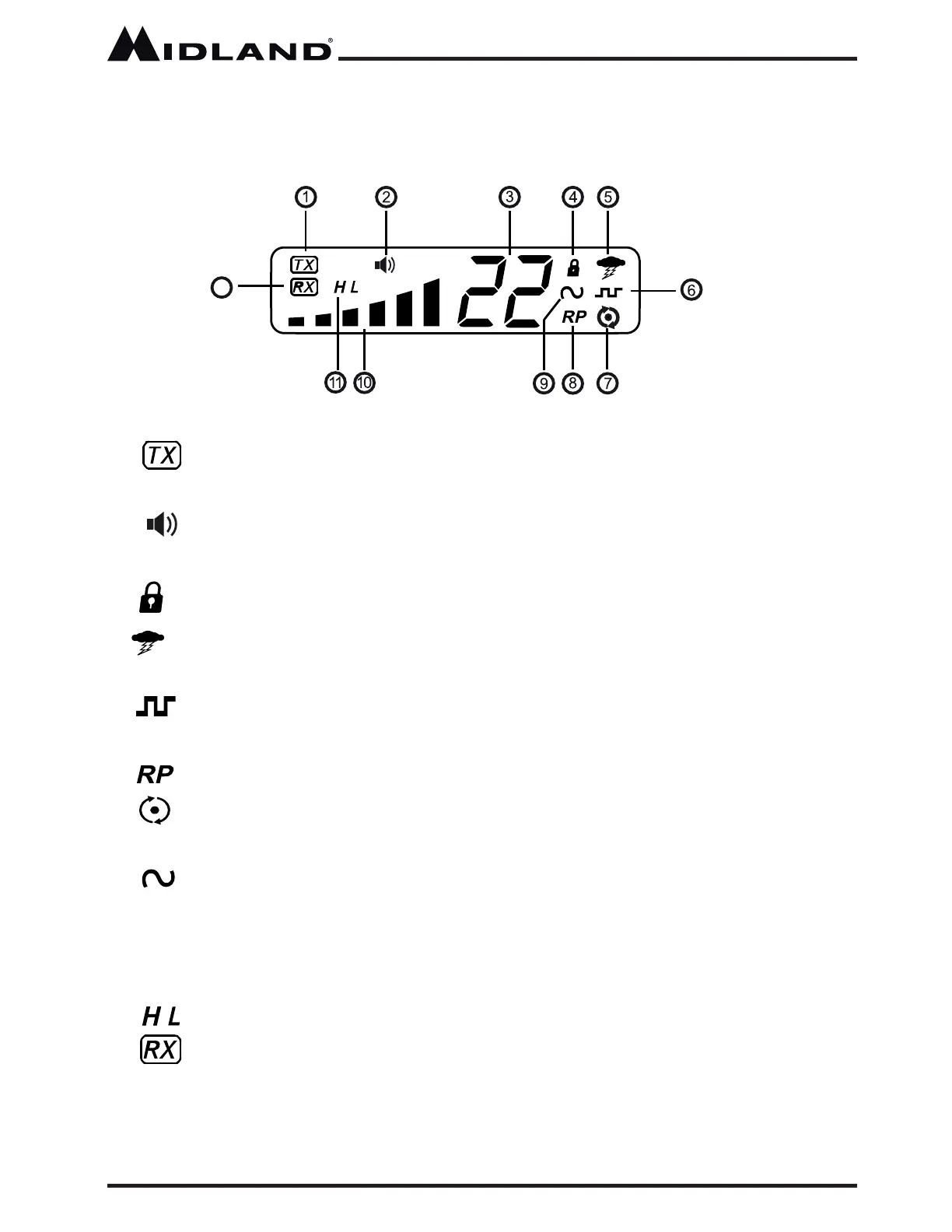
1. Transmitting Icon - Indicates the radio is transmitting to another
user.
2. Monitor Icon - Indicates when the radio is in monitor mode
3. Channel Icon - Shows the selected transmit/receive channel.
4. Key Lock Icon - Indicates KEY LOCK mode is on.
5. NOAA Weather Band Icon - Indicates when the radio is in the
Weather Band mode.
6. DCS Icon - Indicates a Digitally Coded Squelch Privacy Code has
been enabled for the currently selected channel.
7. Scanning Icon - Indicates the “auto-scan” function is active.
8. Repeater Icon - Shows the selected transmit/receive repeater
channel.
9. CTCSS Icon - Indicates a Continuous Tone Coded Squelch Syst em
Code has been enabled for the currently selected channel.
10. Signal Strength - Indicates the strength of the current transmit or
receive signal.
11. Transmit Power Level Icon - Indicates the transmit power setting.
12. Receiving Icon - Indicates the radio is receivi ng a transmission
from another user.
12
LCD Display



 To Next Page