Page 5
midlandusa.com
Model MXT115
INSTALLING YOUR RADIO
Preparation for Installation
This radio may be installed in any 12-vo lt negative ground syst em ve hicle.
Most current U.S. and foreign ve hicles use a negative ground syst em,
but some older models and some newer large trucks may have a positive
JURXQG&KHFNWKHVSHFL¿FDWLRQVIRU\RXUYHKLFOHEHIRUHEHJLQQLQJ
installation. Generally, yo u have a negative -ground syst em if the negative
(-) battery terminal is connected to the motor block. Contact yo ur dealer if
yo u are unable to determine yo ur ve hicle’s polarity syst em.
1. Read these instructions completely before beginning installation.
2. Read and follow all safety precautions in yo ur ve hicle’s Servi ce Manual.
3. Make sure all necessary tools, materials, and parts are on hand.
4. Disconnect the negative (-) battery cable before installing yo ur radio.
Be sure to reconnect the cable when installation is complete.
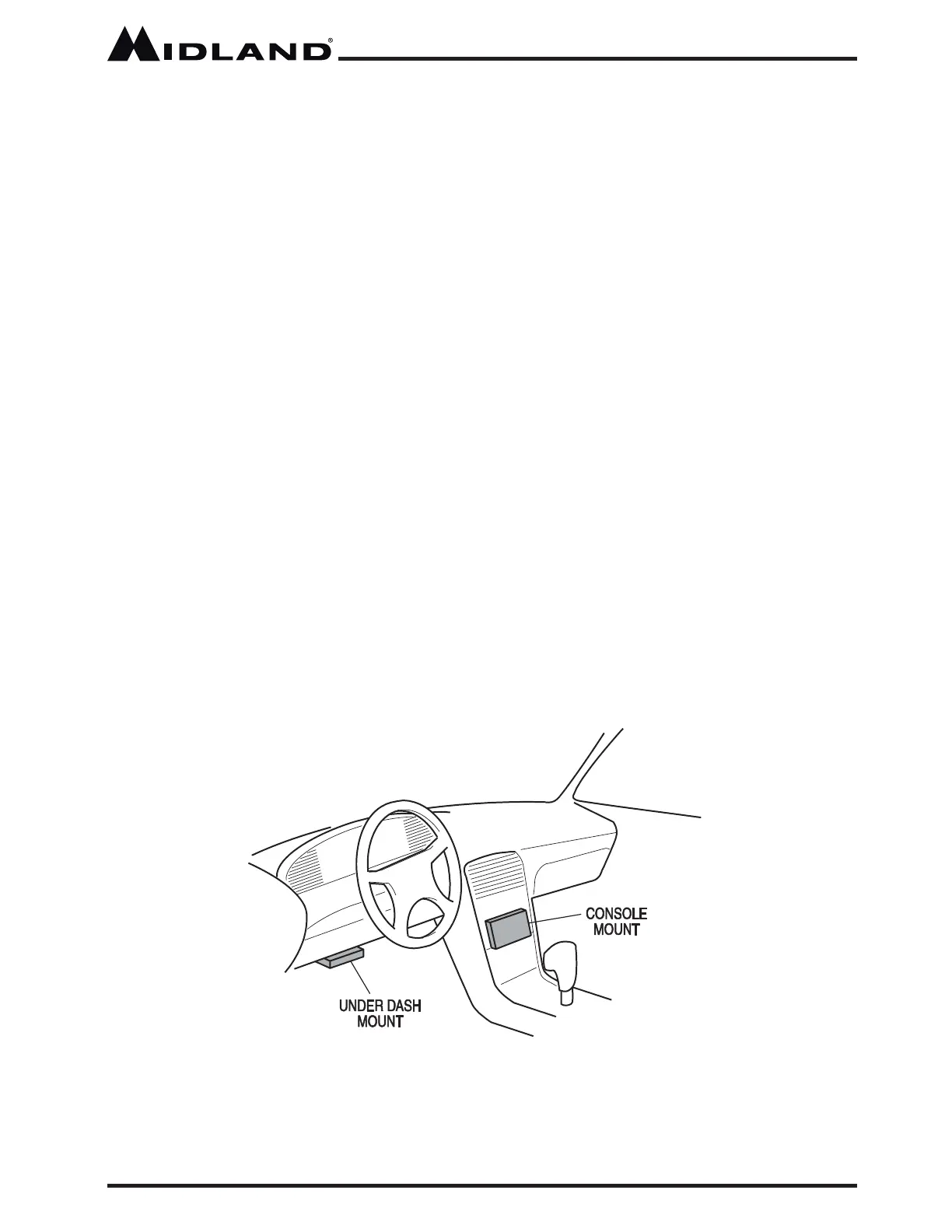
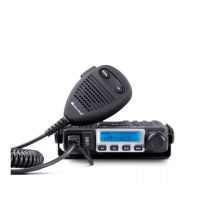
5. Determine a mounting location for your radio. The MXT115 is designed
to be installed under the dash or ve rtically on the center console. Choose
a location that does not impair vi sibility or interfere with drivi ng. Also take
into consideration the routing and length of the lead wires and cables to
the power source, antenna, and/or optional ext ernal speaker.
CAUTION: Extreme care should be exercised when drilling into
the dash to avoid damage to under dash electronic ignition,
cruise control, instrument and/or accessory wiring.



 To Next Page