Page 9
midlandusa.com
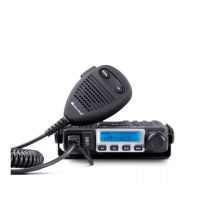
Model MXT115
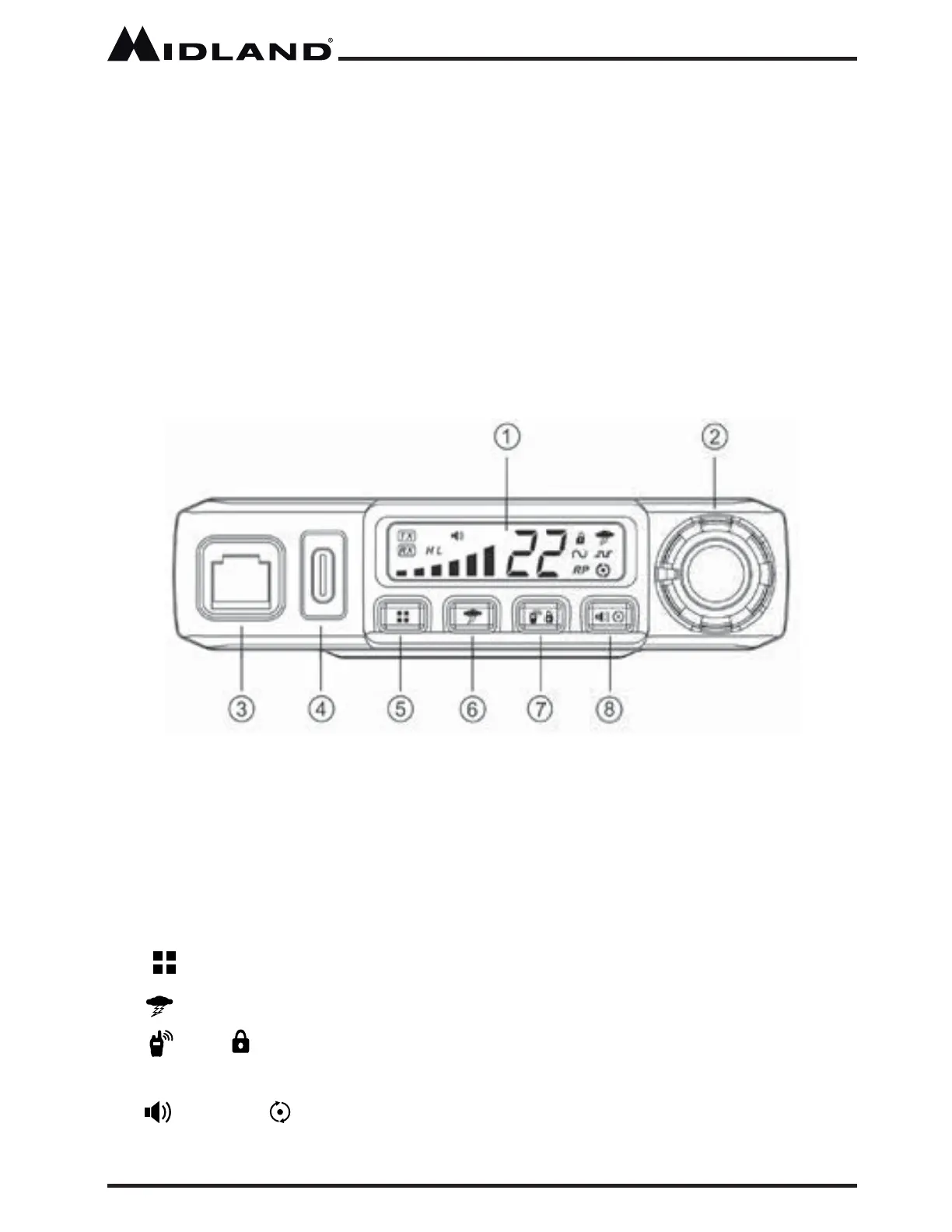
Operating Controls
1. LCD Display
2. On/Off Volume
3. Microphone Jack
4. USB-C Charging Port
5. Menu - Press to access menu
6. Weather - Press to access weather mode
7. Call /
Lock - Press to send a call signal, or long press to lock
the keypad
8.
Monitor / Scan - Press to enter scan mode, or long press to enter
monitor mode
Using an External Speaker
The MXT115 provi des a rear-panel jack for connection of an optional
ext ernal speake r (purchased separately).
When selecting an ext ernal speake r, ensure the speake r has 8-ohm
impedance and is rated for 4.0 watts.
NOTE: When an external speaker is connected, the radio’s internal
speaker is automatically disabled.
CONTROLS AND INDICATORS



 To Next Page