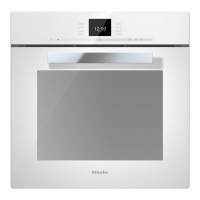
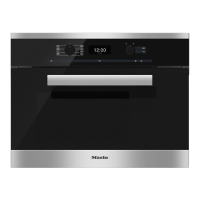
Controls
22
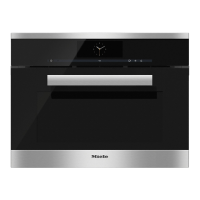
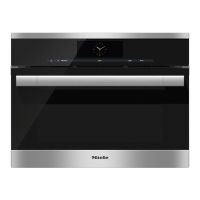
Display
The display is used for showing the time of day or information about functions,
t
emperatures, cooking durations, automatic programmes and settings. Information
or a list of options is shown in the display depending on the function selected.
After switching the steam oven on with the On/Off sensor , the main menu will
appear.
If a cooking process is running, selecting Change will call up a list of options which
can be set or changed for the coo
king process in progress.
T
ouch the illuminated sensor beside the option to select it.
The
n confirm the selection by touching the illuminated sensor next to OK.
Symbols
The following symbols may appear in the display:
Symbol Explanation
Allocates an illuminated to an option and indicates that the
option can be selected.
If more than four options are available a bar will appear on the
right-h
and side of the display. Use the allocated sensors to scroll
through the list.
The end of a list is indicated by a dotted line. By scrolling down
further, you reach the beginning of the list again.
/ These only appear when input is possible or necessary (e.g.
ent
ering the date / setting the grill level).
A tick indicates the option which is currently selected.
This symbol indicates that there is additional information and
advice about using
the oven. Select OK to access the
information.
/ /
Water level indicator
Start time
Programme finished
Minute minder
Some settings, e.g. display brightness and buzzer volume are
select
ed using a bar chart.



 To Next Page