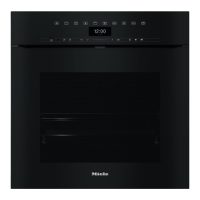
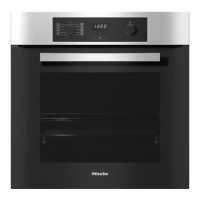
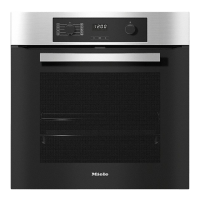
Display
The display is operated by finger tip contact and in contrast to the sensors, there
is no audible tone when it is touched.
Do not use pointed or sharp objects e.g. pens to operate the Touch display as
they can damage the surface.
The Touch display will also not react to being tapped by such objects.
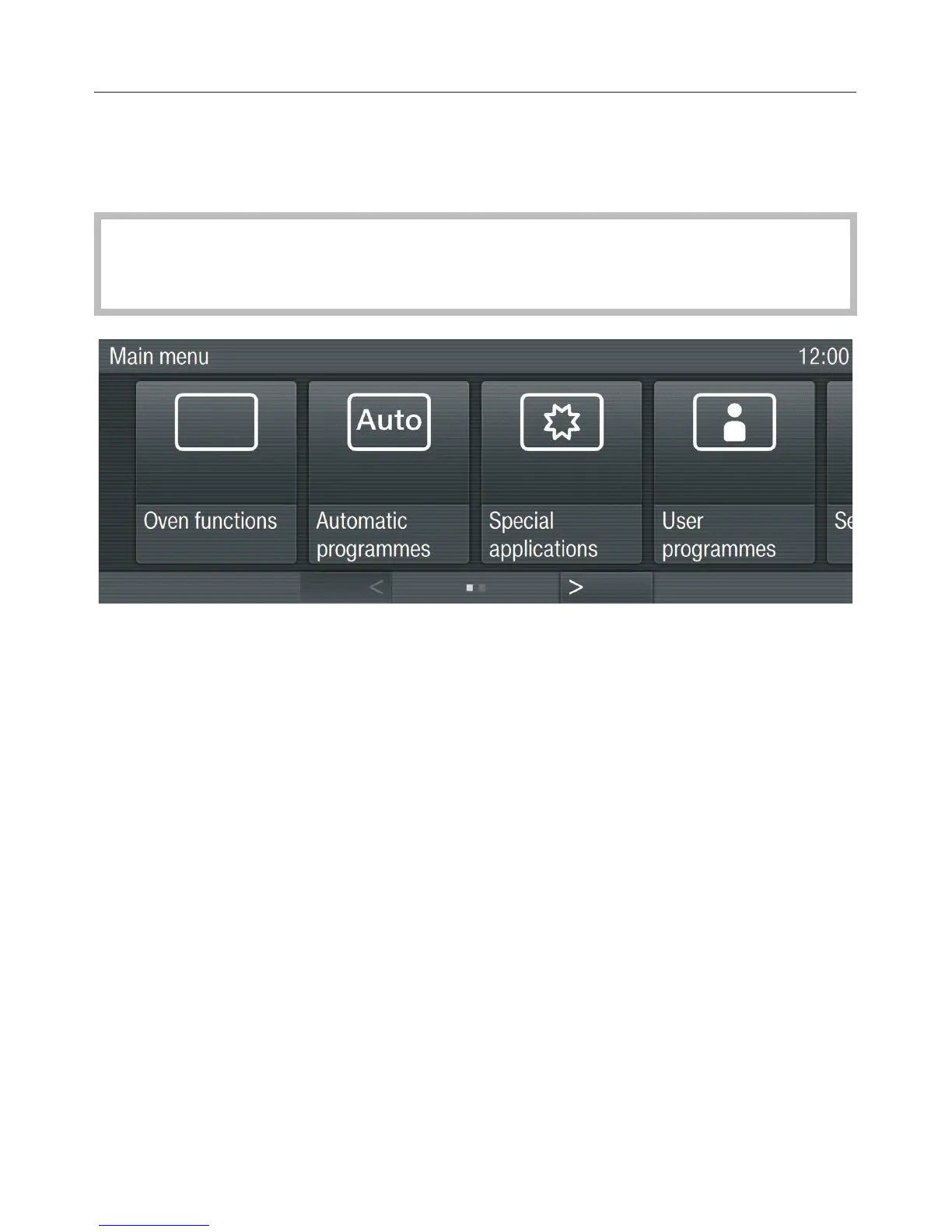
On the top row you can see where you are in a menu. If you are in a sub-menu,
you can return to the menu you want by touching the name of the menu required
or the box in the previous menu level.
Time of day, alarm and minute minder durations are shown on the top right hand
side.
The middle row shows the current menu and options. You can scroll to the right or
left by swiping your finger across the display to the right or left.
In the bottom row you can scroll from left to right using the V and W sensors. The
number of boxes in the middle indicates the number of available pages and your
position in the current menu.
Oven controls
23


 To Next Page