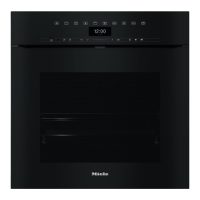
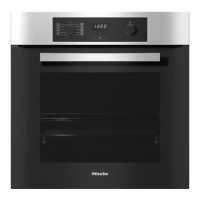
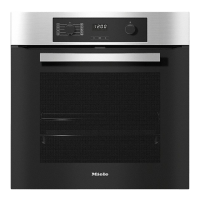
Main menu
–
Oven functions
–
Automatic programmes c
–
Special applications
–
User programmes ~
–
Settings %
–
Maintenance y
Symbols
The following symbols may also appear in the display in addition to the text:
Symbol Explanation
P P P P G G GM Some settings, e.g. display brightness and buzzer volume
are selected using a bar chart.
: This symbol indicates that there is additional information and
advice about using the oven.
Select "OK" to access the information.
0 The system lock or sensor lock is on (see "Settings - Safety").
The oven cannot be used.
Alarm
N Minute minder
Oven controls
24


 To Next Page