Technical Information
44
S 2xx, S 3xx & S 4xx Canister Vacuums
5.12.2 S 27x
1. Remove the mounting panel and cap assembly (Section 5.6).
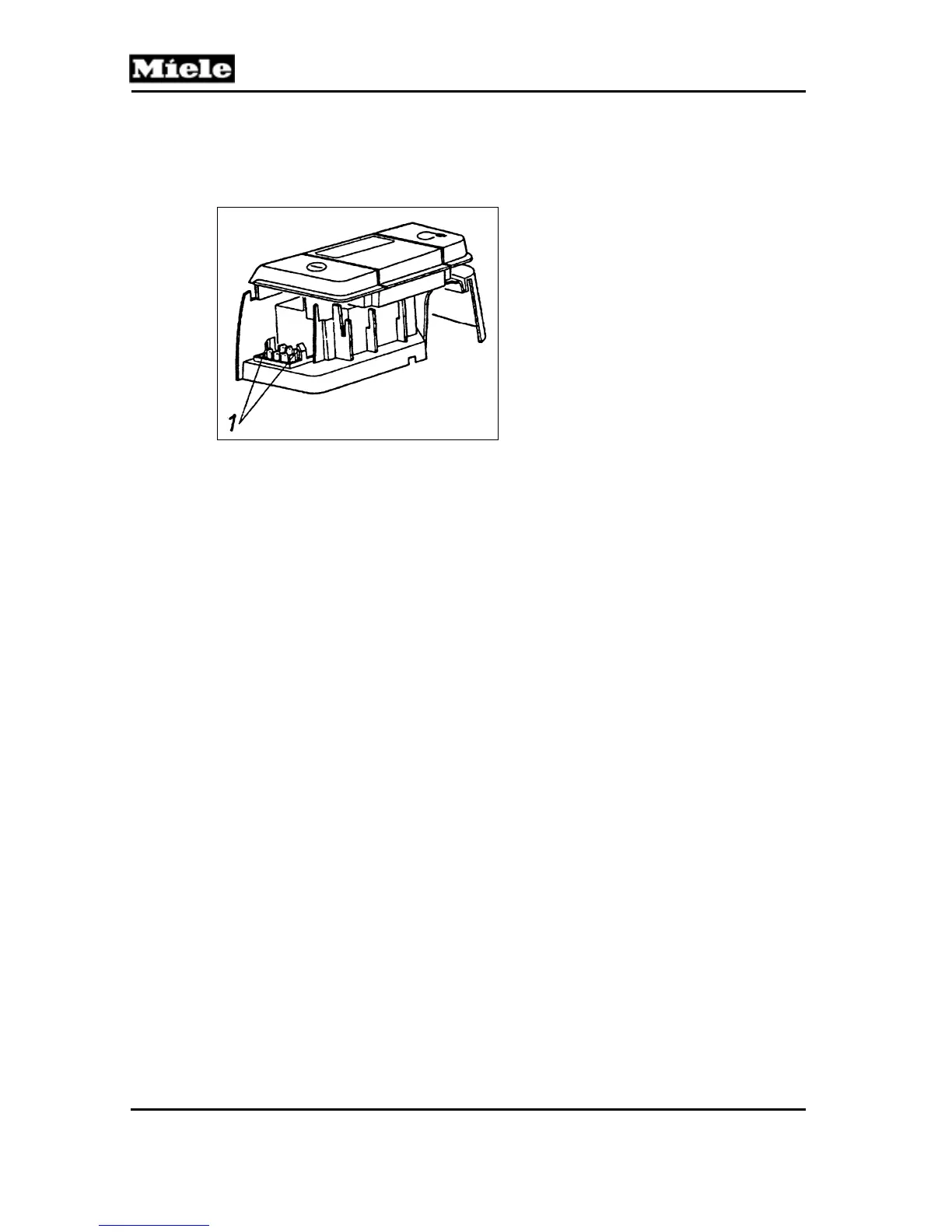
2. Release the retaining clips (Figure 5-27, Item 1) and remove the plug
housing.
Figure 5-27: S 27x Plug Housing
5.13 On/Off Switch
5.13.1 S 25x
1. Remove the cap assembly (Section 5.6).
2. Release the switch from the rear casing.
5.13.2 S 27x
Dismantle the cap and foot switch assemblies (Sections 5.6 and 5.8) to
access the switch.
5.13.3 S 3xx
1. Remove the cap assembly (Section 5.6).
2. Release the switch from the cap and disconnect its electrical connections.
5.14 Flush Socket Outlet
5.14.1 S 25x
Remove the Phillips screw securing the plastic strip to the underside of the
vacuum base. The plastic strip will then snap out, allowing access to the
outlet.
5.14.2 S 27x
1. Open the dust compartment lid.
2. Use a flathead screwdriver to apply pressure around the locking tabs and
so push out the socket.



 To Next Page