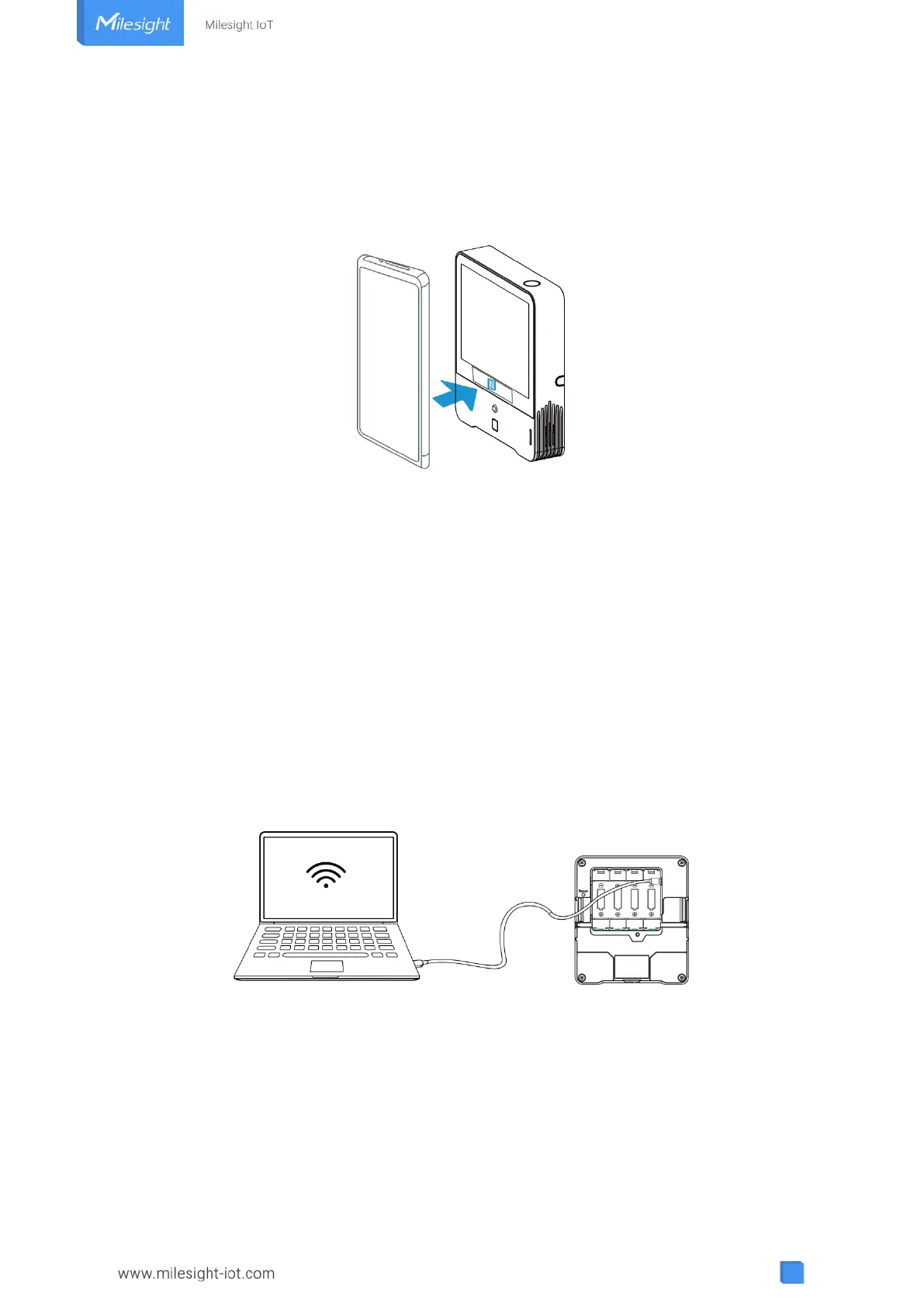
information and settings of the device will be shown on ToolBox App if it’s recognized
successfully. You can read and configure the device by tapping the Read/Write device on the
App. In order to protect the security of the device, please change password when first
configuration. The default password is 123456.
Note:
1) Ensure the location of smartphone NFC area and it’s recommended to take off phone case.
2) If the smartphone fails to read/write configurations via NFC, keep the phone away and back
to try again.
3) AM300 series can also be configured by dedicated NFC reader, which can be purchased from
Milesight IoT.
4.1.2 USB Configuration
1. Download ToolBox software from www.milesight-iot.com.
2. Connect the device to a computer via Type-C port.
3. Open the ToolBox and select type as “General”, then click password to log in ToolBox.
(Default password: 123456)



 To Next Page