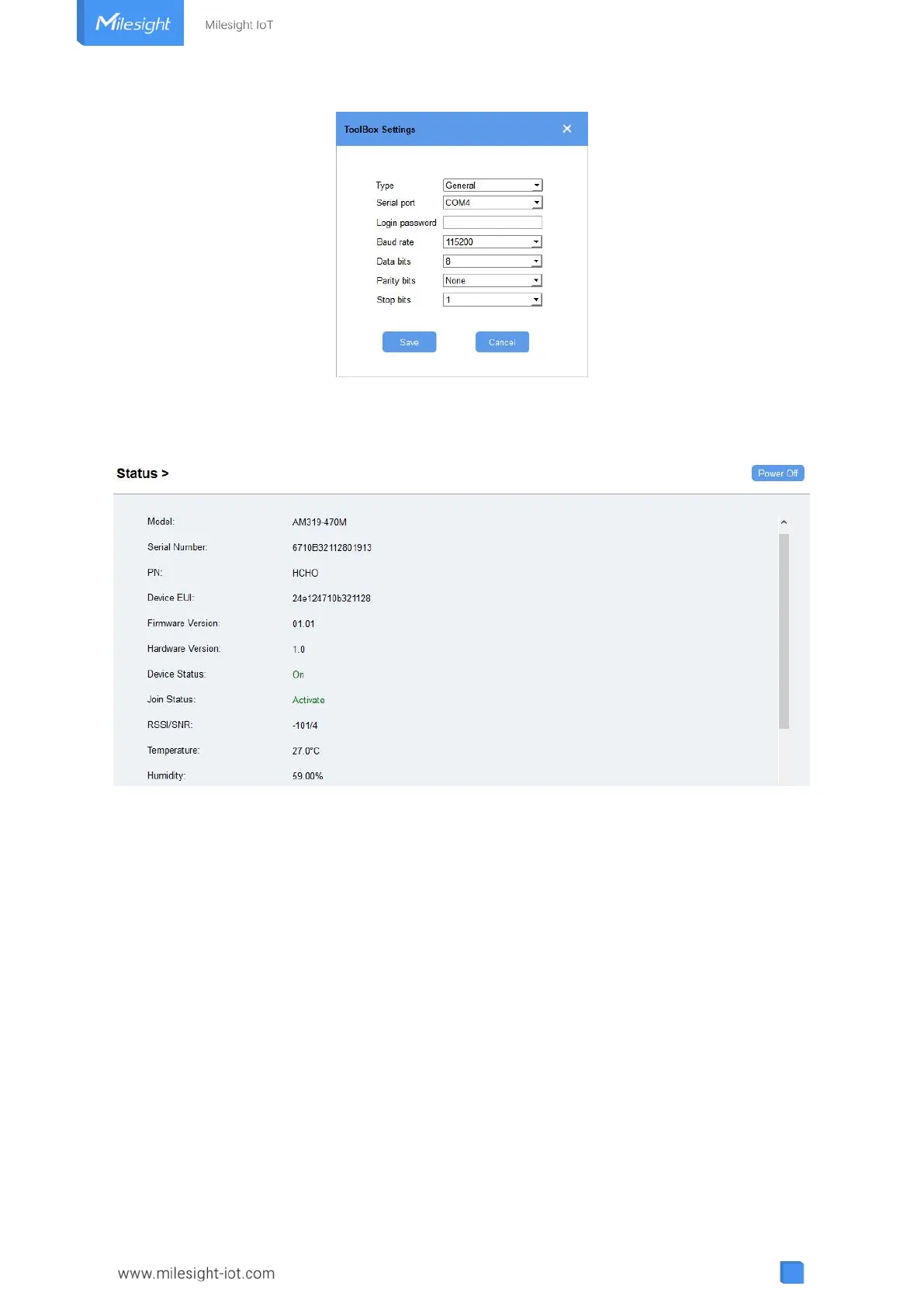
4. After logging in the ToolBox, you can click “Power On” or “Power Off” to turn on/off device
and change other settings.
4.2 LoRaWAN Settings
LoRaWAN settings is used for configuring the transmission parameters in LoRaWAN
®
network.
Basic LoRaWAN Settings:
Go to “LoRaWAN Settings -> Basic” of ToolBox software or “Device -> Settings -> LoRaWAN
Settings” of ToolBox App to configure join type, App EUI, App Key and other information. You
can also keep all settings by default.



 To Next Page