4.5 Advanced Settings
4.5.1 Data Collection Settings
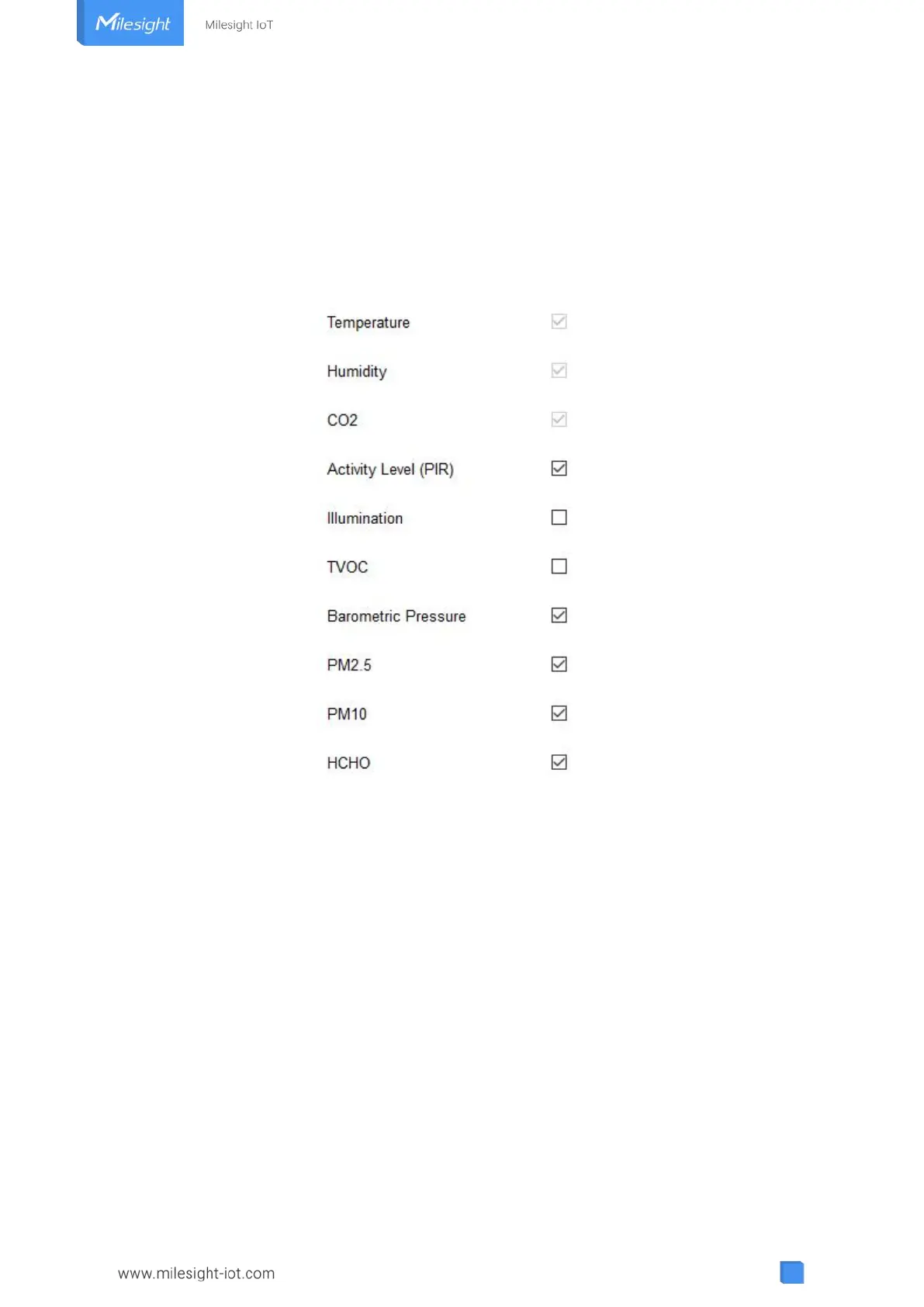
Go to “Device Settings->Basic” of ToolBox software or “Device -> Settings -> Data Collection
Settings” of ToolBox App to select the data you need to monitor. Among them, temperature,
humidity and CO
2
are not allowed to disable. If any item is disabled, it will disappear from the
screen.
4.5.2 Calibration Settings
ToolBox supports numerical calibration for all items. Go to “Device Settings -> Basic” of
ToolBox software or “Device -> Settings -> Calibration Settings” of ToolBox App to type the
calibration value and save, the device will add the calibration value to raw value.



 To Next Page