4.6.3 Reset to Factory Default
Please select one of following methods to reset device:
Via Hardware: Hold on reset button more than 10s.
Via ToolBox Software: Go to “Maintenance -> Backup and Reset” to click “Reset”.
Via ToolBox App: Go to “Device -> Reset” to click “Reset”, then attach smart phone with NFC
area to device to complete reset.
5. Installation
Fixed by 3M Tape:
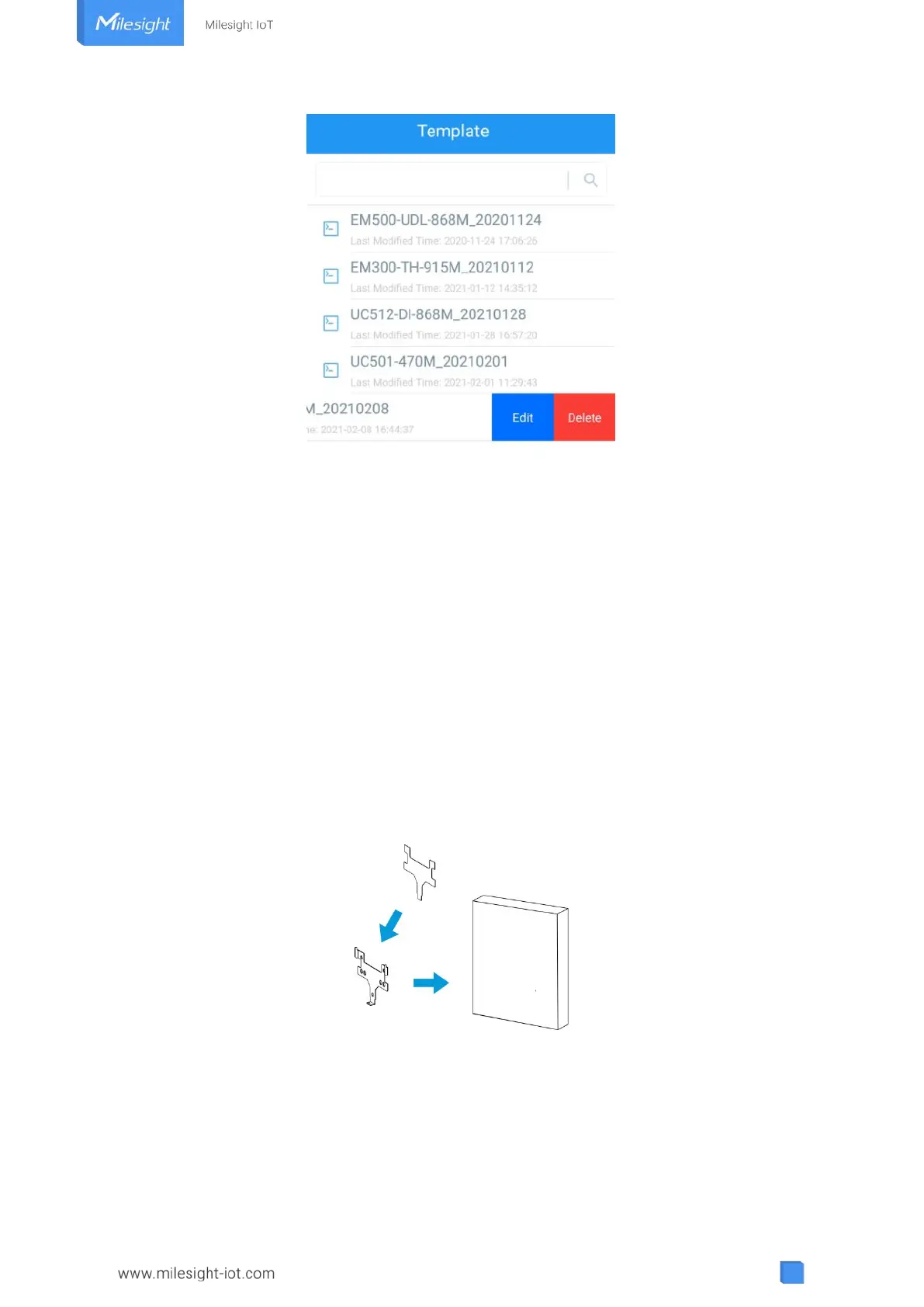
1. Paste 3M tape to the back of the mounting bracket, then tear the other side and place it on a
flat surface.
2. Put the device on the mounting bracket, then fix the bottom of the device to the bracket with
the theft-deterring screw.



 To Next Page