Note:
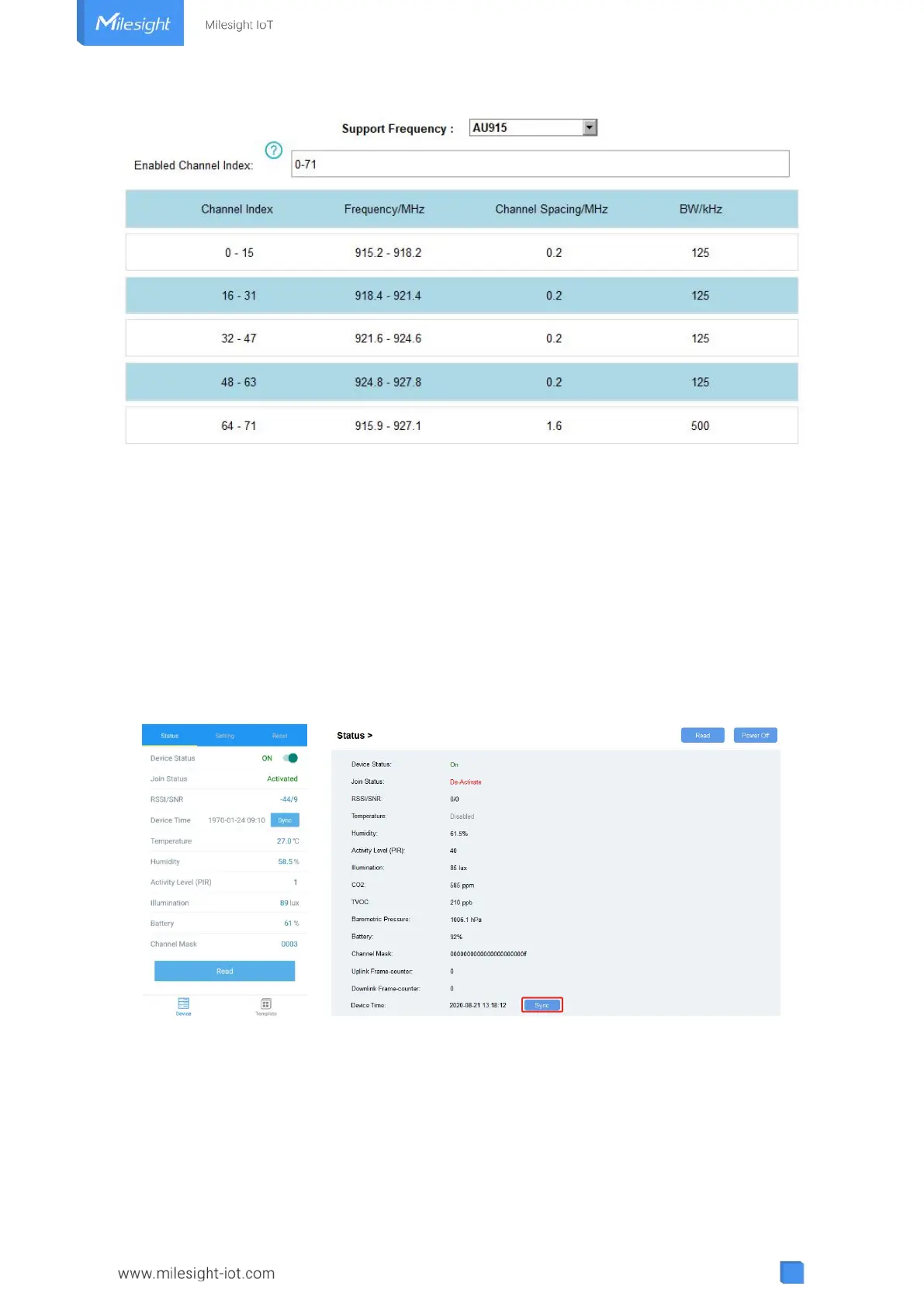
For -868M model, the default frequency is EU868;
For -915M model, the default frequency is AU915.
4.3 Time Synchronization
ToolBox Sync:
Go to “Device -> Status” of ToolBox App to click “Sync” to sync the time, or go to “Status” page
of ToolBox software to sync the time.
Network Server Sync:
Go to “LoRaWAN Settings -> Basic” of ToolBox software or “Device -> Settings -> LoRaWAN
Settings” of ToolBox App to change device LoRaWAN
®
version as 1.0.3 or 1.1, then the network
server will use MAC command to assign the time to device every time it joins the network.
Note: This function is only applicable to network server using LoRaWAN
®
1.0.3 or 1.1 version.



 To Next Page