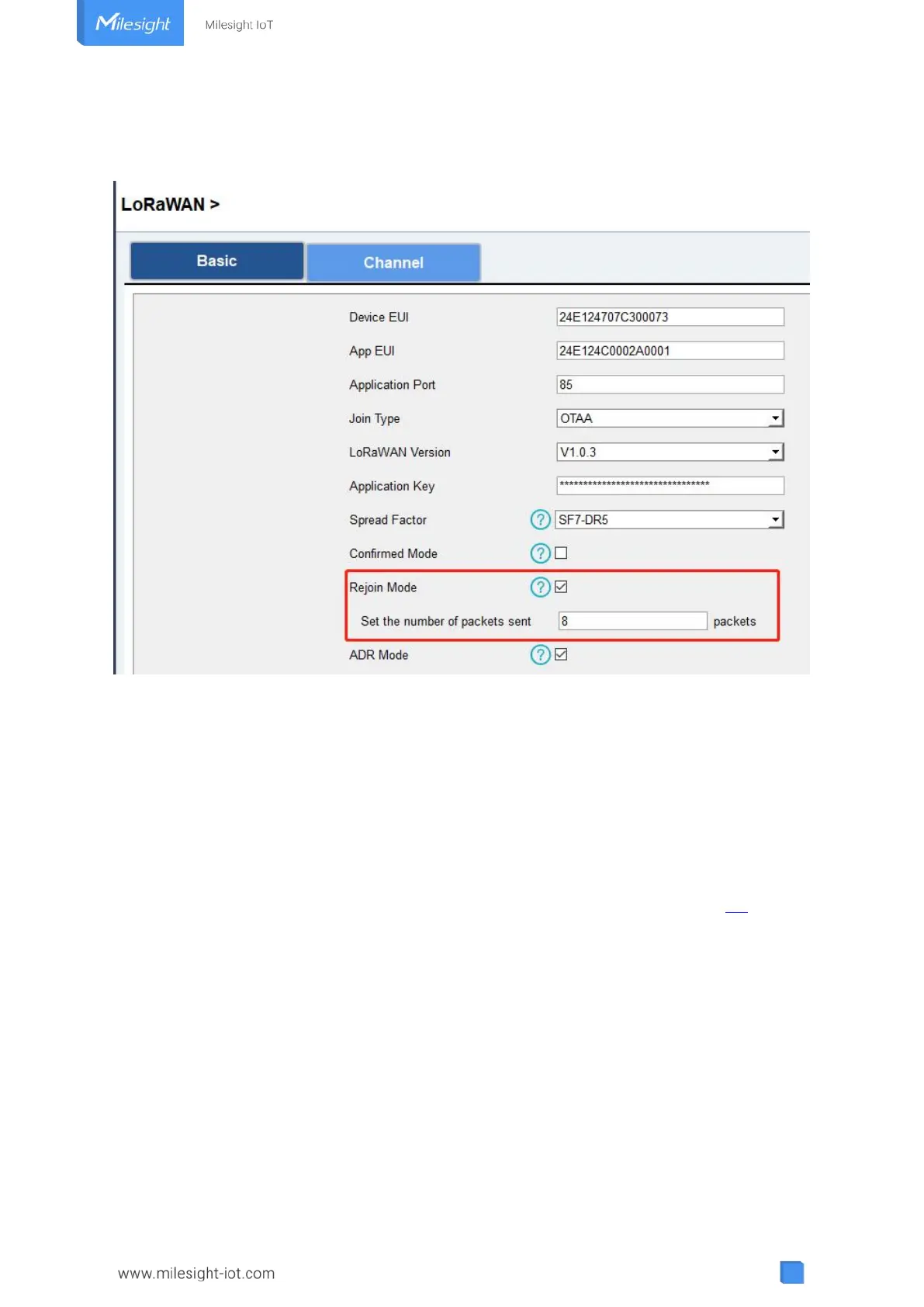
check if the network is disconnected; if there is no response for 8 times (8 * 30 mins = 240 mins
=4 hours), the device will record a data lost time point( disconnection time minus 4 hours).
4. After the network connected back, the device will send the lost data from the point in time
when the data was lost according to the reporting interval.
Note:
1) If the device is rebooted or re-powered when data retransmission is not completed, the
device will re-send all retransmission data again after device is reconnected to the network;
2) If the network is disconnected again during data retransmission, it will only send the latest
disconnection data;
3) The retransmission data format is started with “20ce”, please refer to see section 6.4.
4) Data retransmission will increase the uplinks and shorten the battery life.
4.6 Maintenance
4.6.1 Upgrade
ToolBox Software:
1. Download firmware from www.milesight-iot.com to your PC.
2. Go to “Maintenance -> Upgrade” of ToolBox software, click “Browse” to import firmware and
upgrade the device. You can also click “Up to Date” to search for the latest firmware of the



 To Next Page