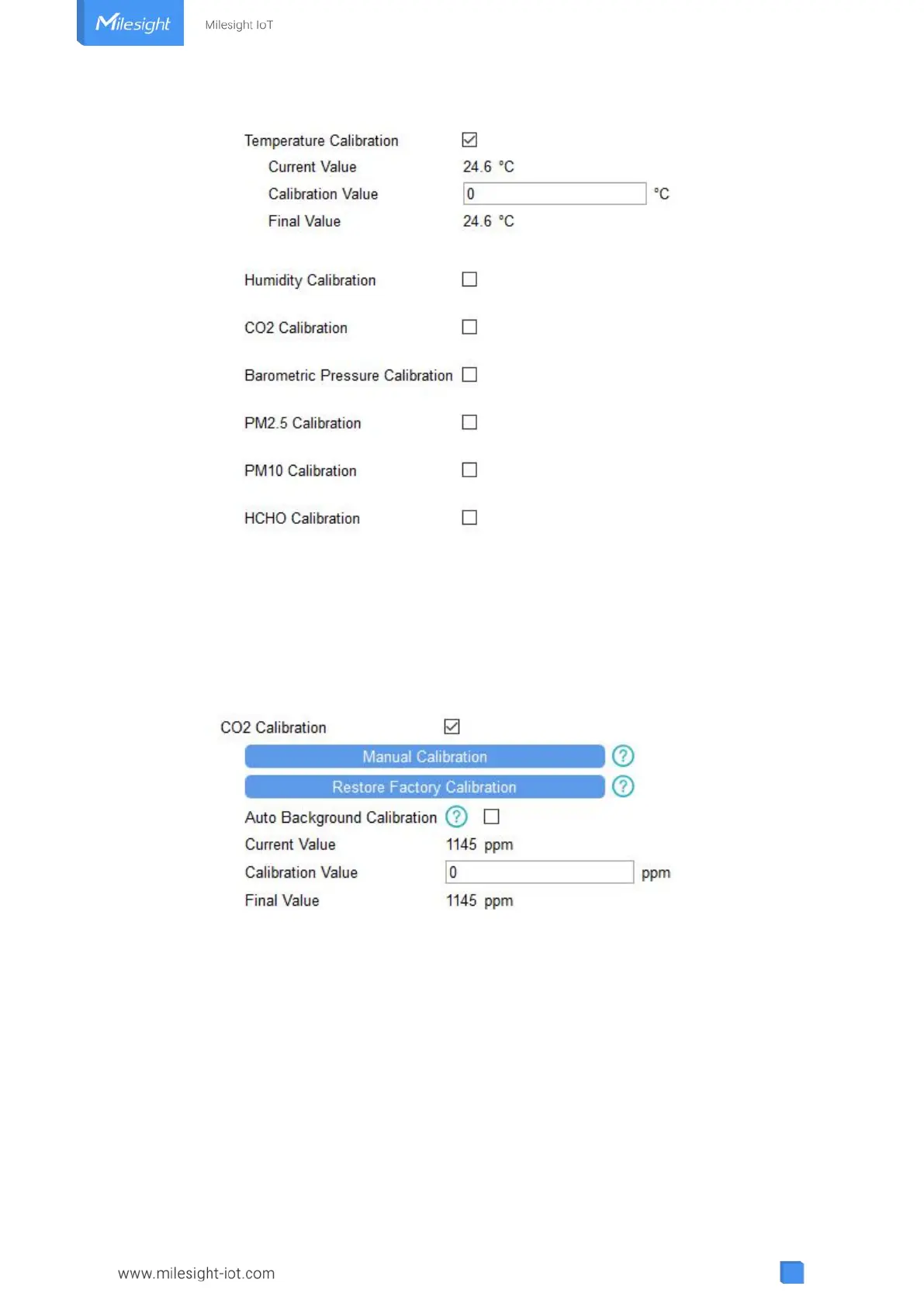
Besides numerical calibration, ToolBox provides more calibration methods for CO
2
:
Manual Calibration: Put the device in an open outdoor environment for more than 10 minutes
and click this button to calibrate the CO
2
value.
Restore Factory Calibration: Clean the manual calibration and turn back to factory calibration.
Auto Background Calibration: When enabled, keep the device work in a well-ventilated
environment for 180 hours (around 7 days), then disable the calibration.
4.5.3 Threshold Settings
Go to “Device Settings -> Basic” of ToolBox software or “Device -> Settings -> Threshold
Settings” of ToolBox App to enable the threshold settings and input the threshold.
For temperature, it will upload the current data once instantly when temperature is over or below
the threshold. Note that when you change the temperature unit, please re-configure the
threshold.



 To Next Page