OM-256 016 Page 6
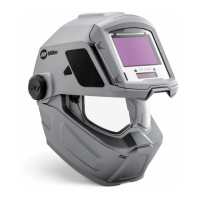
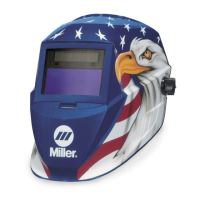
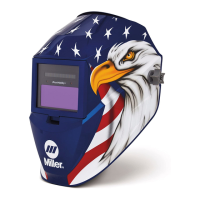
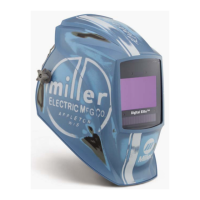
3-2. Helmet Controls (Titanium 7300 And 9400 Series Helmets)
The lens on Titanium 7300
and 9400 Series Helmets
turns on (darkens) automati-
cally when welding begins
and turns off when welding
stops.
1 Auto On/Off Button
(See Section 3-3)
2 Grind Mode / Low
Battery Light (Section
3-3)
3 Mode Control Button
(Section 3-4)
4 Lens/Info Adjustment
Buttons (See Sections
3-5 Thru 3-7)
Use adjustment buttons
to change shade, delay,
and sensitivity settings
when lens is in Mode
function. Use adjust-
ment buttons to change
arc time, clock, timer,
and alarm settings when
lens is in Info function.
5 Info Control Button
(See Section 3-9)
6 External Grinding Mode
Button (Section 3-4)
The External Grinding
Mode button is not avail-
able on the 9400i helmet.
The lens assembly
saves the shade, sensi-
tivity, and delay settings.
1 34
5
6
2



 To Next Page