30 | minnkotamotors.com
©2022 Johnson Outdoors Marine Electronics, Inc.
AUDIO MODES
AUDIO MODES
There are three receiver Audio Modes available. The unit is factory set to Audio Mode 2. To switch from one audio mode to another,
simultaneously press and hold the increase and decrease speed buttons for one second. The receiver will respond with 1, 2 or 3 audible
beeps indicating the corresponding receiver audio mode change.
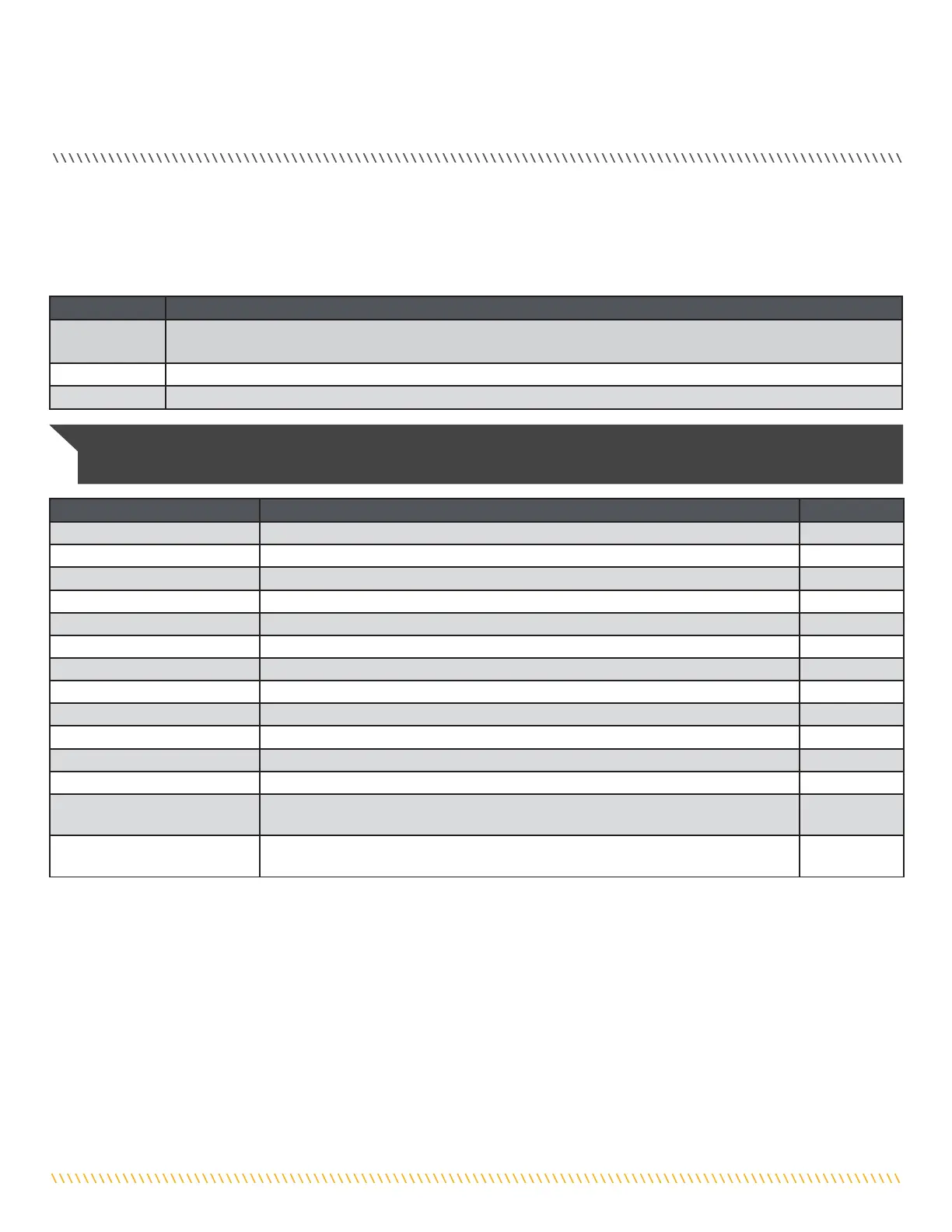
Audio Pattern What Condition Causes Audio Pattern Audio Mode
1 Beep Pressing the Increase Speed or Decrease Speed button Modes 2 and 3
1 Beep Pressing the Prop ON/OFF button to turn the Prop on Modes 2 and 3
2 Beeps Pressing the Prop ON/OFF button to turn the Prop o Modes 2 and 3
Single tick every 1.5 seconds When the Prop is active including when Speed is set to 0 Mode 3
1 Beep Switching to audio Mode 1 All
2 Beeps Switching to audio Mode 2 All
3 Beeps Switching to audio Mode 3 All
1 Chirp Every time the receiver is powered up and there is at least one remote learned All
2 second long Beep Every time the receiver is powered up and there are no remotes learned All
5 Beeps Foot pedal speed control is moved after speed has been adjusted with remote All
Steady Tone Heard while holding down the Learn button on the receiver All
4 Beeps Heard after a remote button is pressed while the receiver learns it. All
Ten second warbling sound that
transitions into a steady tone
Heard during the process used to clear all stored remotes after the learn switch is released,
a 2 second long beep will be heard
All
1 long Beep, 2 short Beeps, pause
(repeat)
Powered up with Momentary/Constant Switch in the CON position (or the Momentary
Button held) when the Foot Pedal is moved to momentary, the power up audio will be heard
All
Audio Mode Function
Mode 1
All of the normal audible sounds mentioned in this owners manual, but no audible beeps for speed increase/ decrease
or prop on/o.
Mode 2 Same as audio mode 1 plus an audible beep for speed increase / decrease and prop on/o.
Mode 3 Same as audio mode 2 plus the prop on audible tick every 1.5 seconds.
NOTICE: When the Foot Pedal is operating the motor and the propeller is on, the prop on indicator tick will be heard if the receiver
is set to Audio Mode 3.


 To Next Page