AF – Normal Shooting
Select this option to turn off Macro shooting and return to normal autofocus shooting.
MF – Normal Shooting Manual Focus
Select this option manually focus your shot in normal shooting. In this mode, the
Zoom T and W keys are used to adjust focus and not for zooming. Press and hold
down the Zoom T and W slider keys to adjust the focusing manually. You will hear the
lens moving with each press and hold of the T or W keys.
Once ready, press the OK button to confirm your selected setting and enter the
shooting screen.
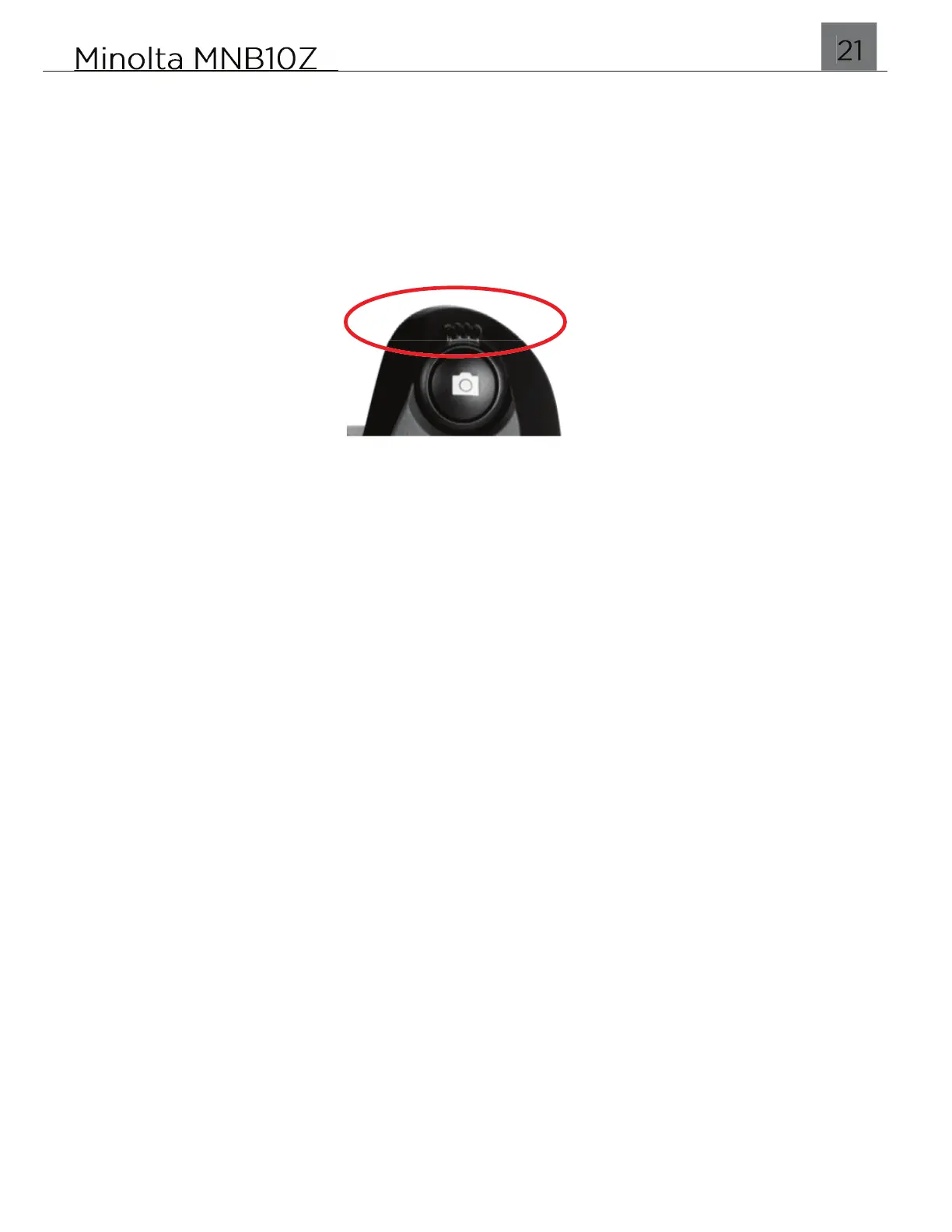
Line up your shot by looking at the LCD screen to see what is in the shot. Hold the
camera steady with two hands and half-way press the SHUTTER button to auto
focus. If the intended subject appears blurry, adjust the distance very slightly and
half-way press the SHUTTER button again. Once you are satisfied with the focus
and clarify, fully press the SHUTTER to capture a photo.


 To Next Page