o
Cradle Connector Connects to the cradle (purchased separately).
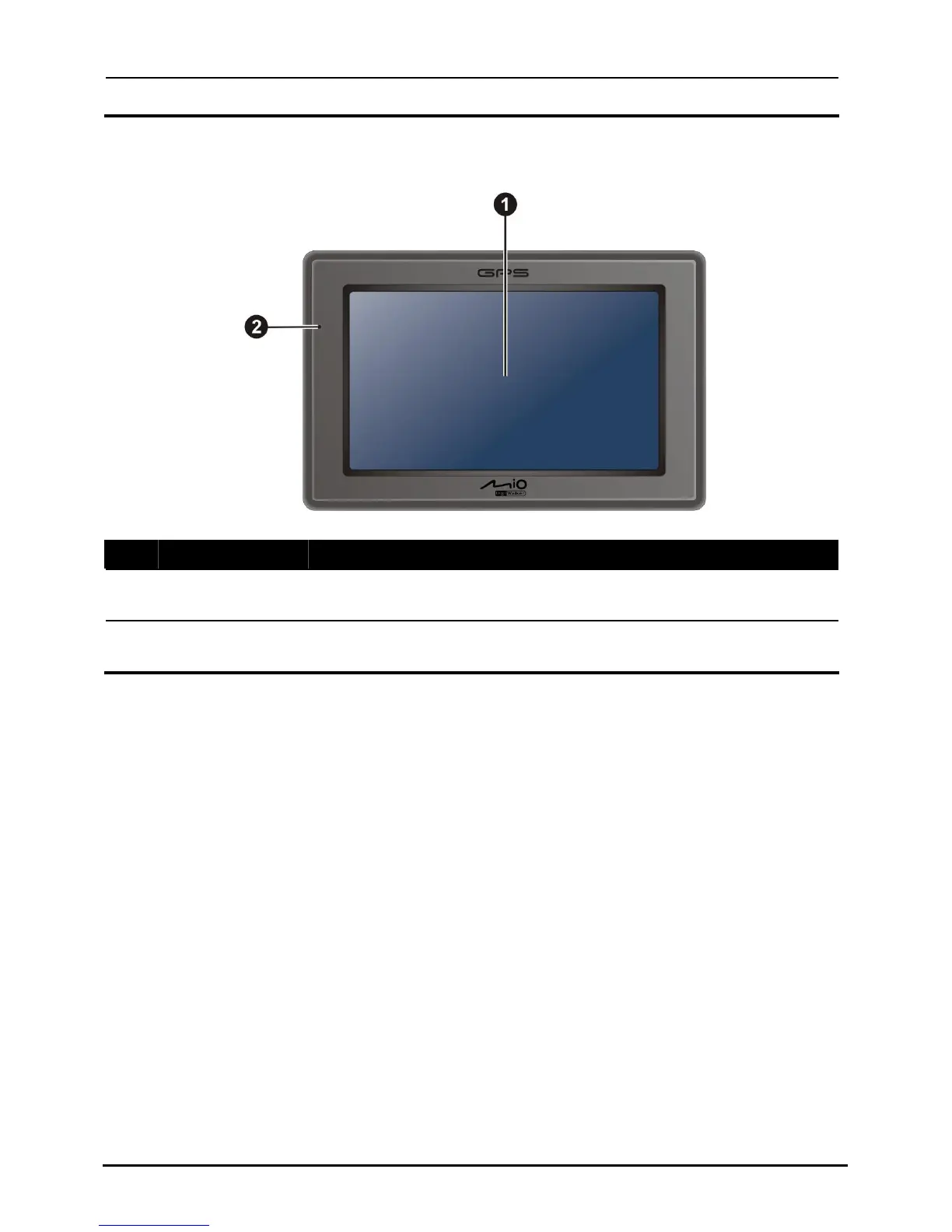
Front Components
Ref Component Description
n
Touch Screen
ation.
Displays the output of your device. Tap the screen with your
fingertip to select menu commands or enter inform
o
Charge Glows bright amber to indicate that the battery is charging,
s green when the battery is fully charged. Indicator and turn
2



 To Next Page