To exit Settings, tap .
The fo owing sections ll describe the various buttons and their functions.
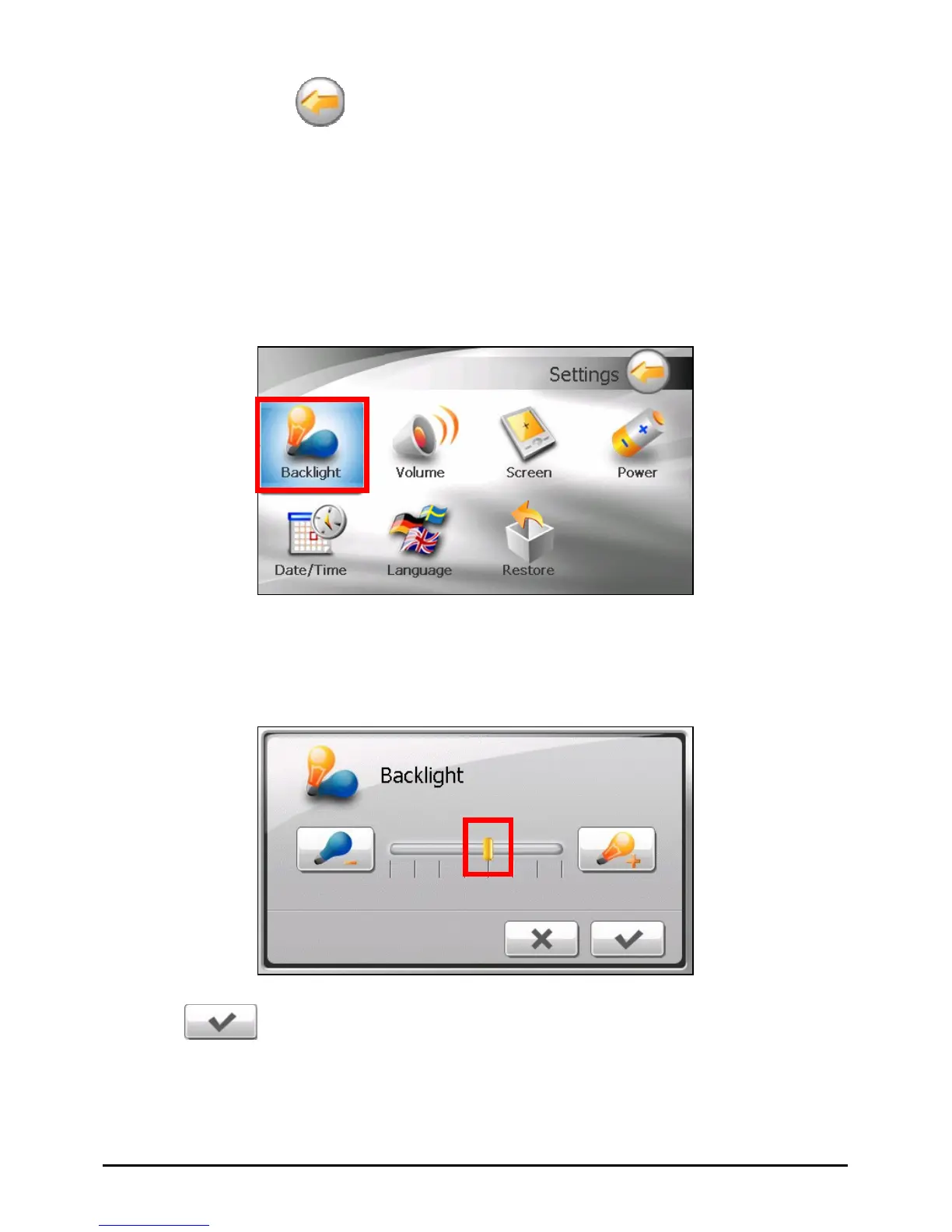
1. Tap the
Settings button on the Home screen.
2. Tap the
Backli
4.2 Backlight
ght button.
Move the knob along the trac
3. k bar to adjust the brightness of the backlight. To
darken the backlight, m light,
m
ove the knob to the left. To lighten the back
ove the knob to the right.
Tap
4.
to save the changes.
28



 To Next Page