Ref Component Description
n
SD/S (Secure Digital High DHC/MMC Accepts a SD (Secure Digital), SDHC
Slot
Capacity), or MMC (MultiMediaCard) card for accessing
data such as MP3 music.
o
one
Connector
Connects to stereo headphones. Headph
1.2
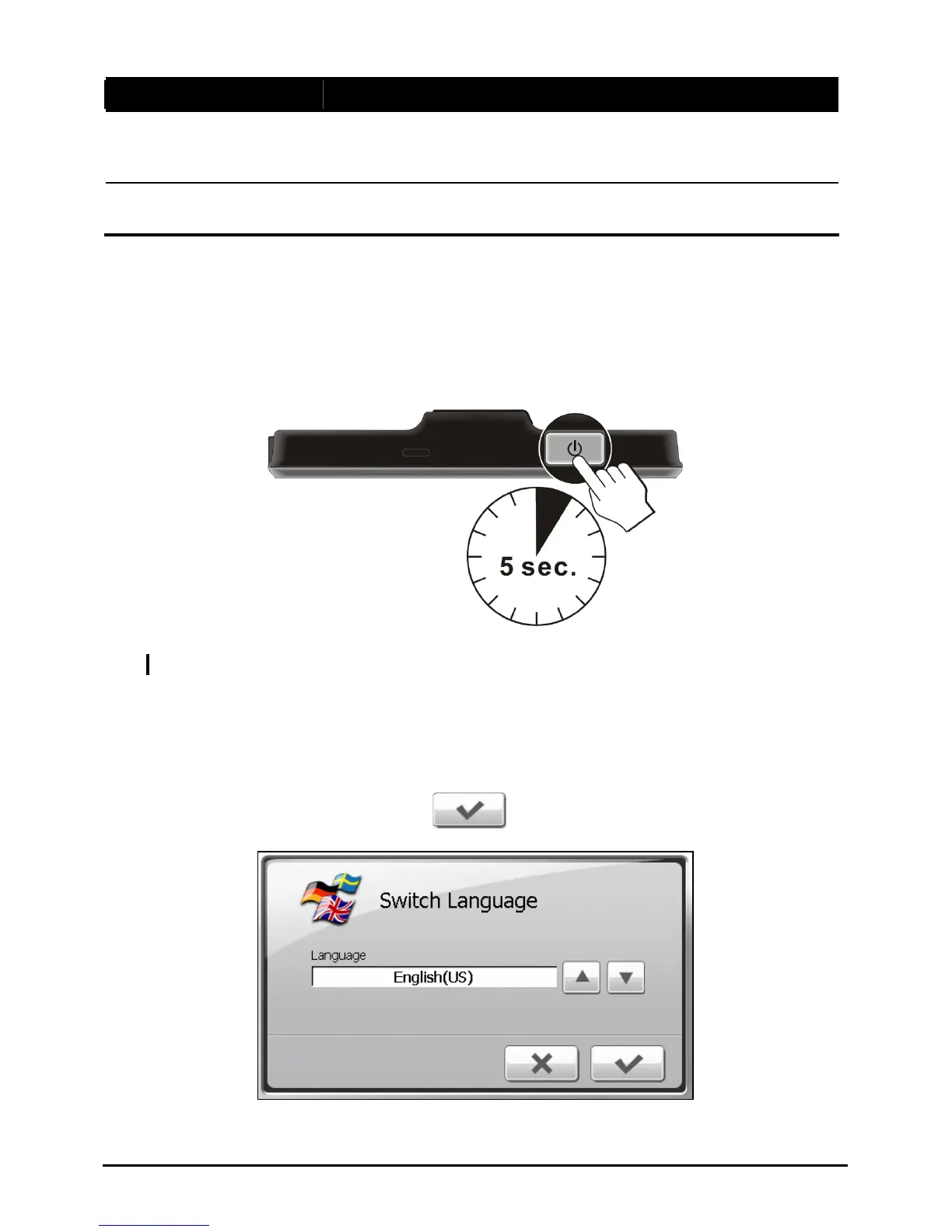
1. For the initial n on your
device.
Performing the Initial Start Up
start up, press the power button for 5 seconds to tur
NOTE: Fo rn on and off your device. r normal operation, briefly press the power button to tu
2. device as described in the
next section.
3. o select the
Your device turns on. Immediately charge your
The “Switch Language” screen appears. Tap the arrow button t
desired language. Then, tap the
button.
4



 To Next Page