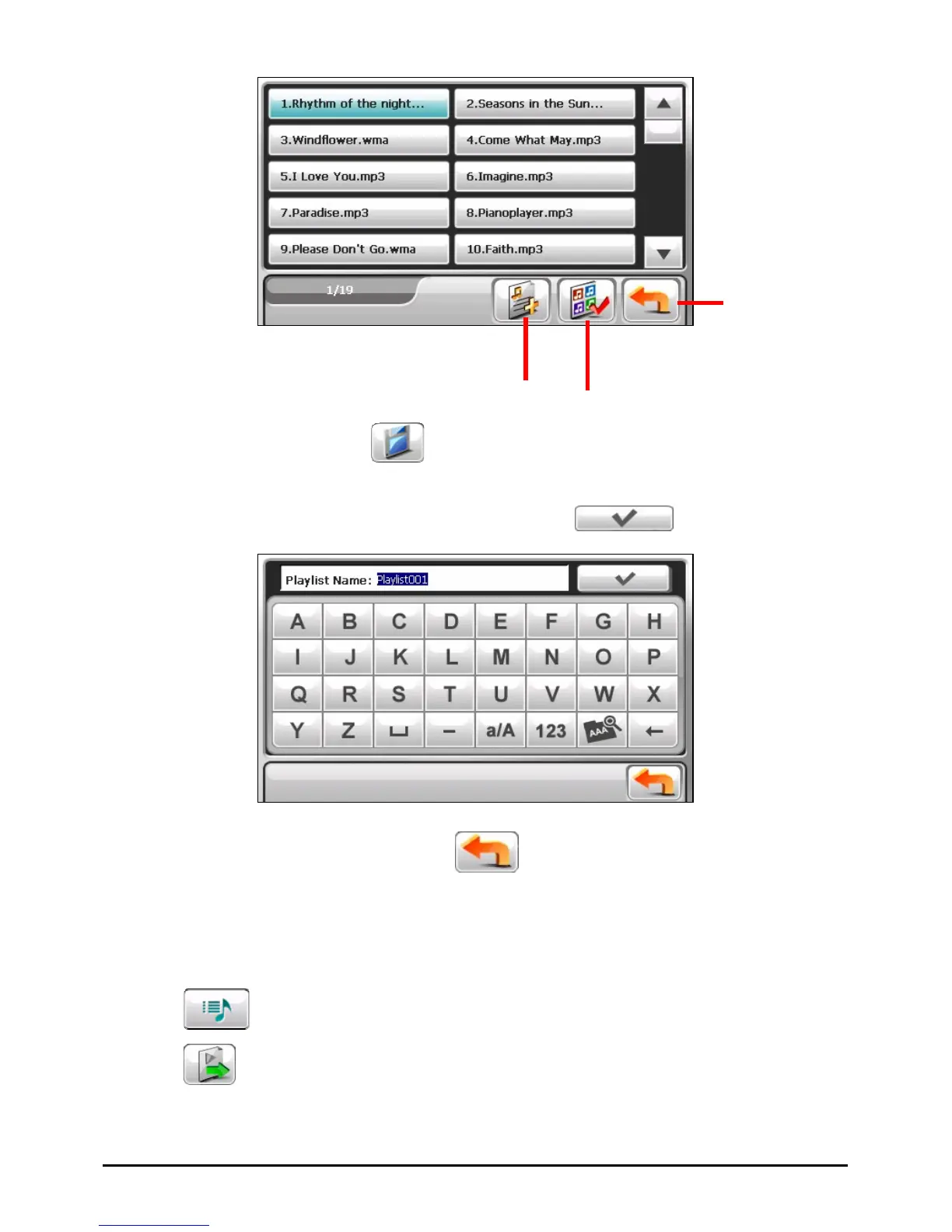
dd all songs to the
play list.
Add the selected song(s)
to the play list.
4. To save the play list, tap
.
5. The keyboard screen appears where you can change the default name of the
play list. Rename the play list if you want. Tap
when finished.
6. To return to the control panel, tap
.
Opening a Play List
To open one of the play lists that you have created:
1. Tap
on the control panel.
2. Tap
to display all the play lists you have created.
19



 To Next Page