1 Getting Started
1.1 Understanding Hardware Components
NOTE: Depending upon the specific model purchased, the color of your device may not
exactly match the device shown in this manual.
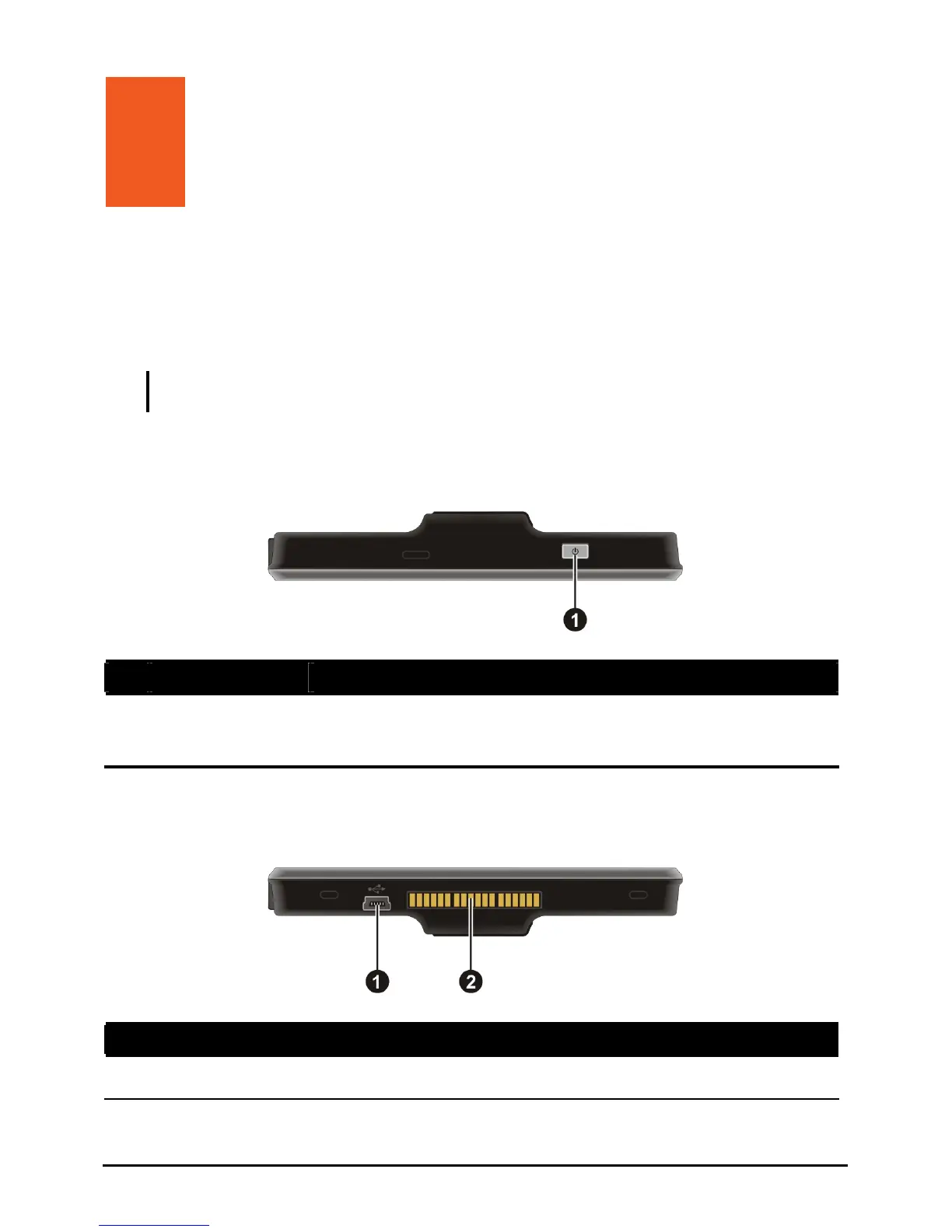
Top Components
Ref Component Description
n
information.)
Power Button Turns on and off the device. (Pressing briefly or for a long
duration makes a difference. See Sections 1.6 and 6.1 for
Bottom Components
Ref Component Description
n
Connects to the charger or USB cable.
Mini-USB Connector
1



 To Next Page