3 File Manager
3.1 Starting and Exiting File Manager
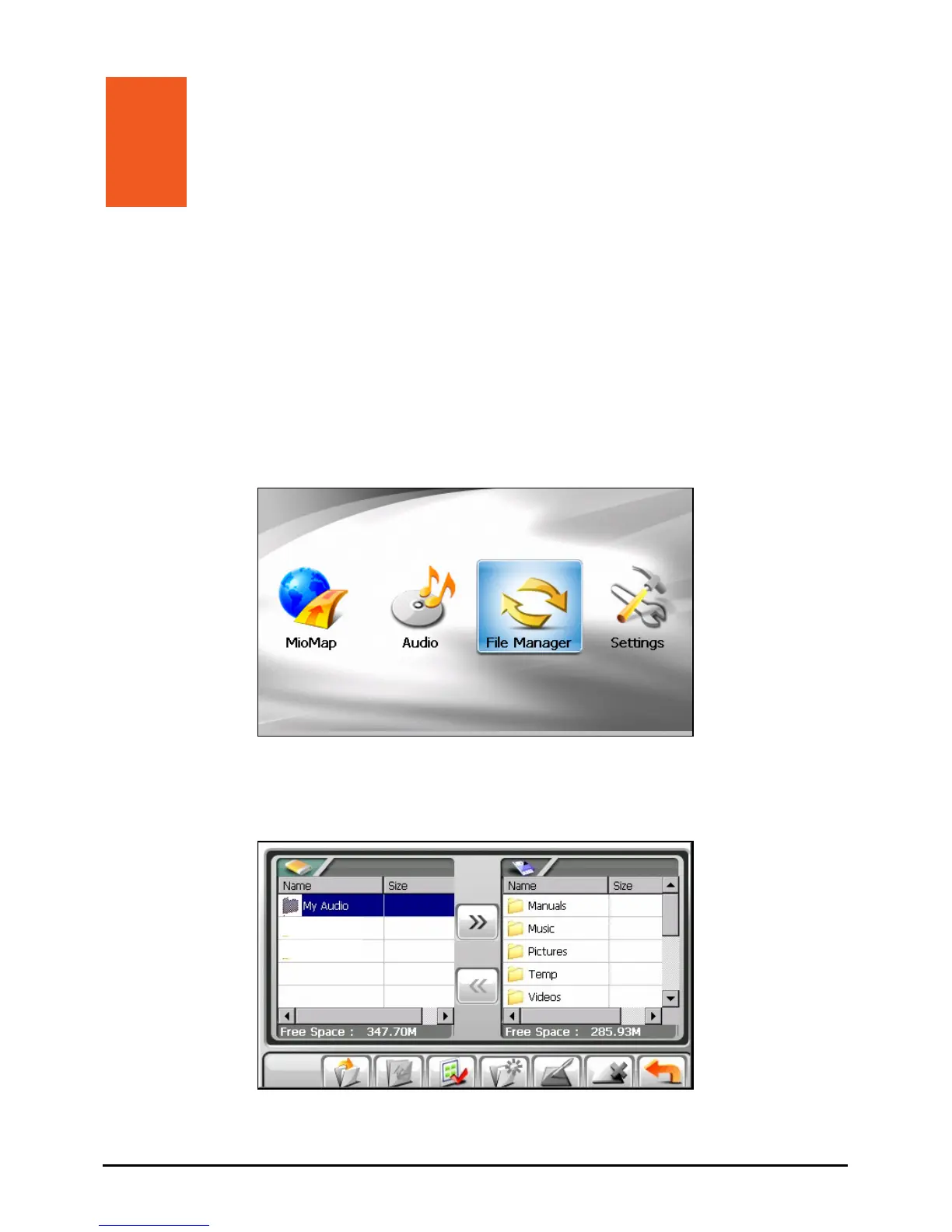
File Manager
storage card.
allows you to transfer multimedia files between your device and a
Tap
File Manager on the Home screen to start the program.
The File Manager screen shows specific folders of your device in the left column
and the folder(s)/file(s) of the storage card, if inserted, in the right column.
23



 To Next Page