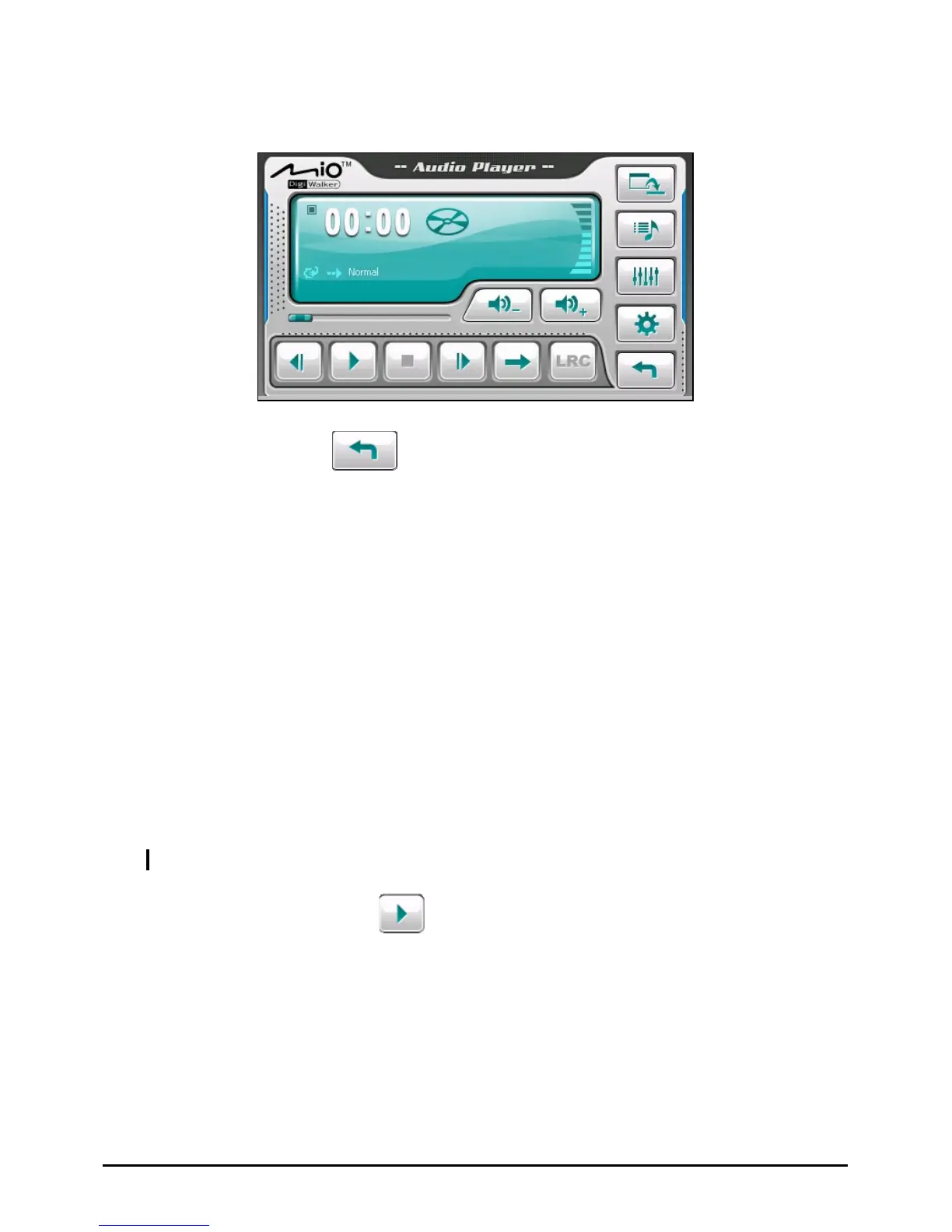
The control panel appears on the screen where you can easily control the player by
tapping the control buttons.
To exit the program, tap
.
2.2 Preparing the Audio Files for Your Device
Before using the program, have the files (.mp3, .wav, or .wma) ready on either
your device’s My Flash Disk\My Audio folder or on a storage card.
2.3 Playing Audio Files
1. If your files are in a storage card, insert the card into your device.
2. Tap
Audio on the Home screen to start the program.
3. The program will search for the supported audio files in your device and in the
storage card. When files are detected, they will be added to the play list.
NOTE: You can create your own play lists for future playback. (See section 2.6 for details.)
4. To start the playback, tap . To control the playback, use the control
buttons as described later.
14



 To Next Page