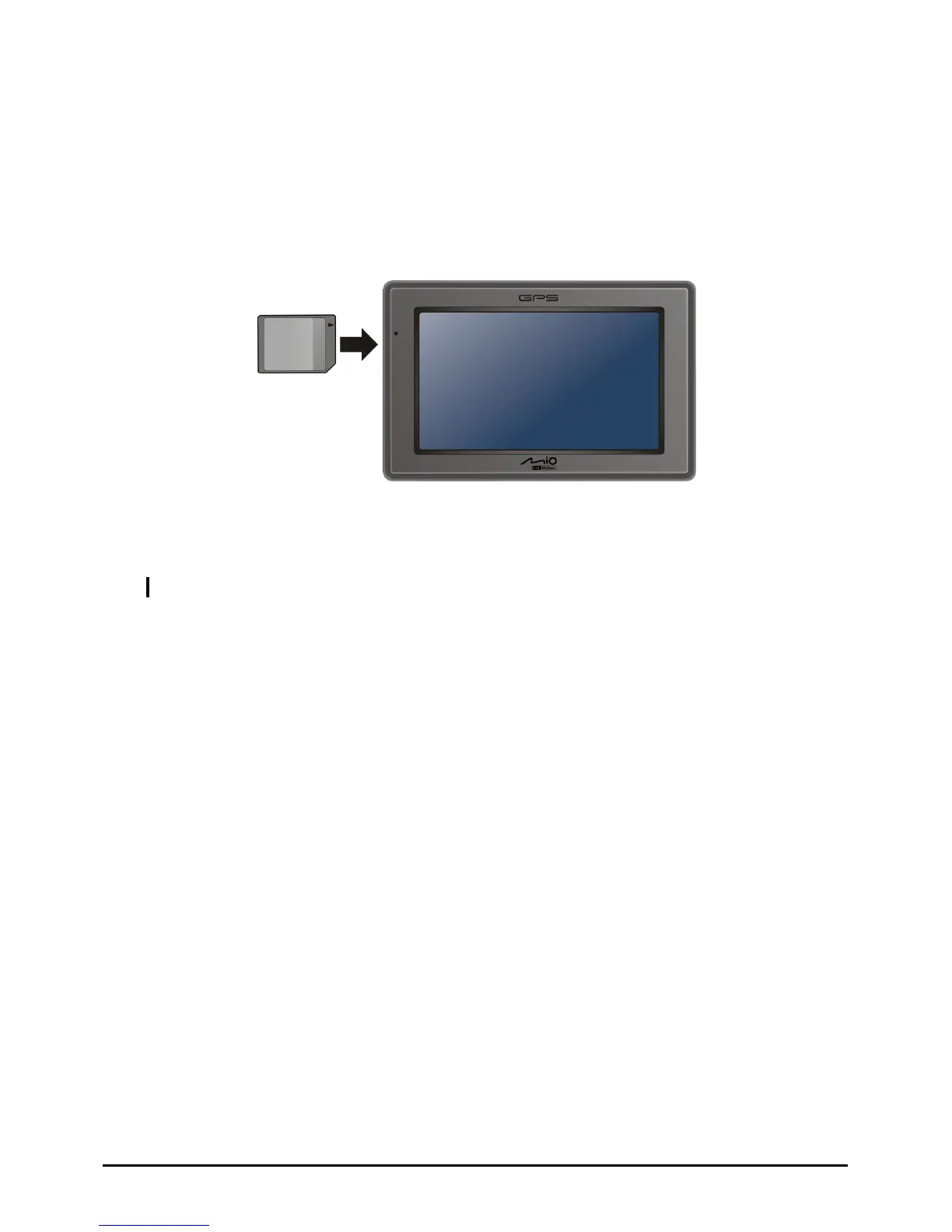
1.7 Inserting a SD/SDHC/MMC Card
Your device has a slot where you can insert an optional SD/SDHC/MMC storage
card.
To use a storage card, insert it into the slot, with the connector pointing to the slot
and its label facing the front of the device.
To remove a card, first make sure that no application is accessing the card, then
slightly push the top edge of the card to release it and pull it out of the slot.
NOTE: Make sure that no foreign objects enter the slot.
11



 To Next Page