1.6 Operating Basics
Turning On and Off
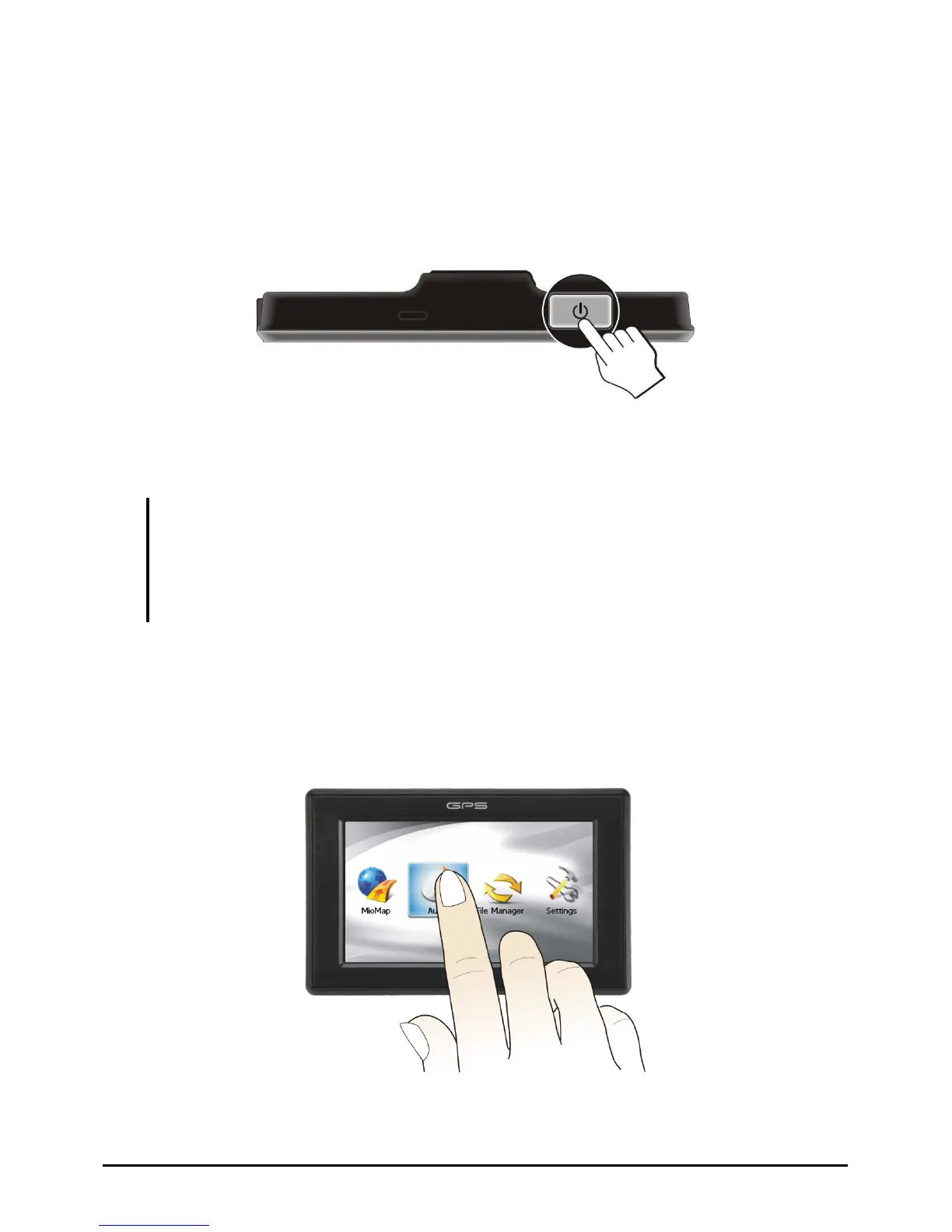
For normal operation, turn off the device by briefly pressing the power button.
The device enters a suspended state.
When you next briefly press the power button, the system resumes. You will
either be back to where you left off or see the Home screen.
NOTE:
z The screen you see after resuming depends on the program you were using when you
suspended the device. Some programs will be closed when you suspend the device,
meaning you can only see the Home screen after resuming.
z Pressing the power button for a longer duration has a different effect. See Section 6.1 for
more information.
Navigating on the Screen
To operate your device, touch the screen with your fingertip. You can perform the
following actions:
9



 To Next Page