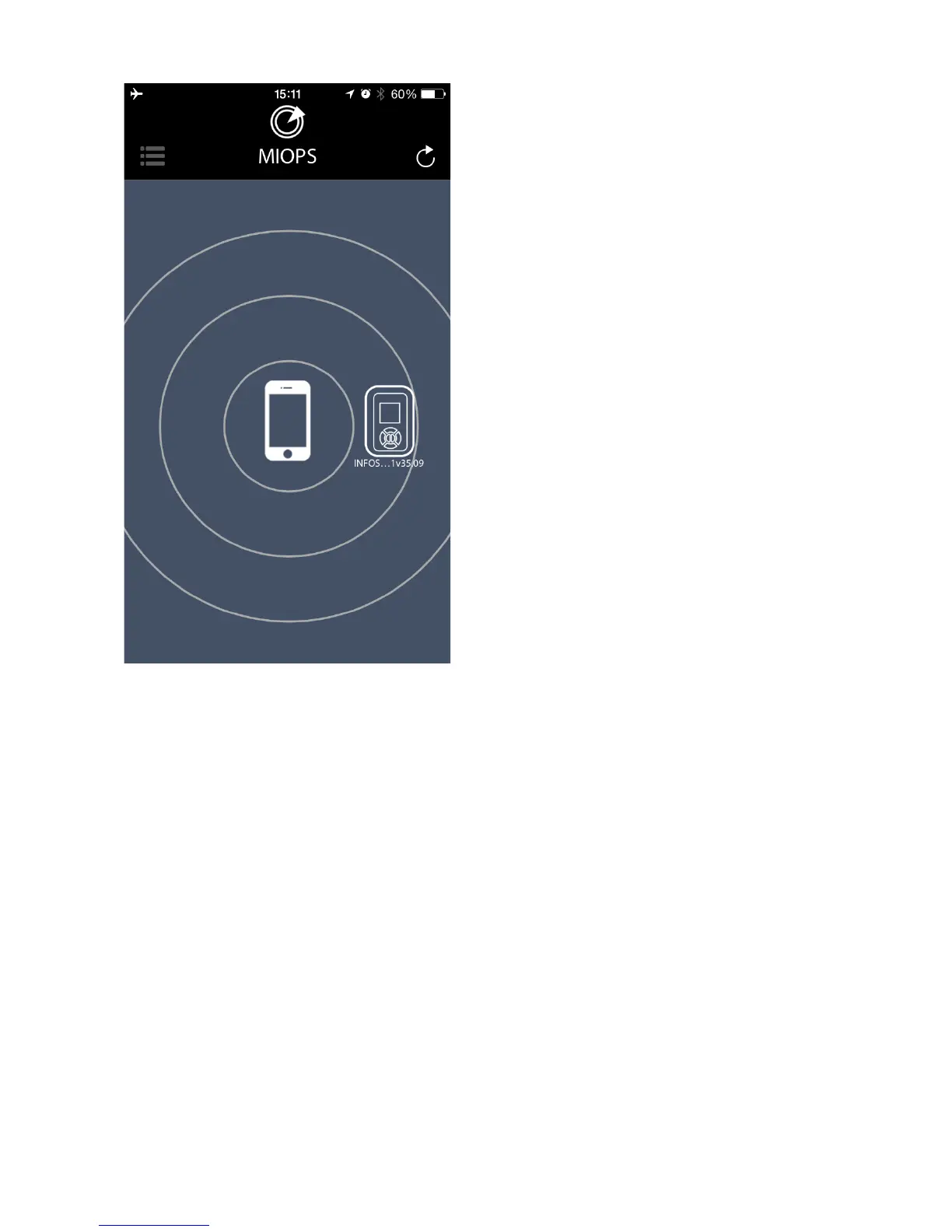
The initial screen of the app will
show your smartphone and the
nearby discovered MIOPS Smart
units. You can pair your MIOPS
Smart with the smartphone by
touching the MIOPS icon. The
logo will move onto the
smartphone logo and the mode
selection menu will show up on
the left hand side of the screen.
If you want pair the smartphone
with another MIOPS Smart, you
can touch the refresh icon on
left-top section of the screen.
The app will discover all available
MIOPS Smart units in the
Bluetooth cover range. You can
choose which one to connect just
by touching the MIOPS icon.



 To Next Page