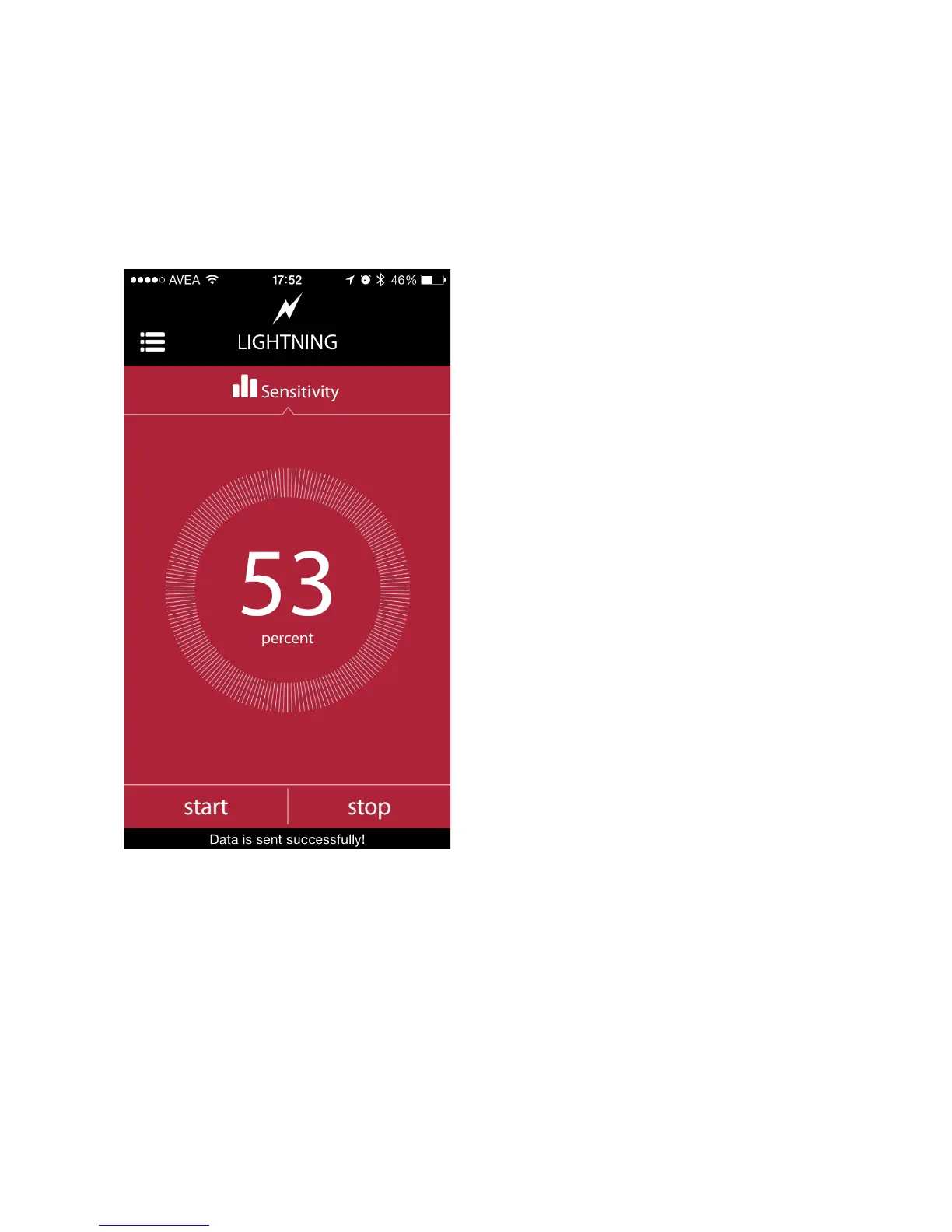
e. Lightning Mode
The lightning mode in the smartphone app has the same parameter with
the standalone mode. The only available parameter is the sensitivity. To get
detailed information about the parameters and the usage of the lightning
mode, please refer to the Lightning Mode section in Standalone Mode
Operation of Miops Smart (Chapter 8.b).
The sensitivity of the lightning
mode can be adjusted, using the
touch dial on the screen. Turning
the dial clockwise will increase
the sensitivity and vice versa.
The faster you turn the dial, the
faster will change the sensitivity.
The current level can be read in
the middle of the dial. If you
want to fine tune the sensitivity
level, you need to turn dial really
slow. You can change the level
by +/- 1 percent if you do so.
You can change the sensitivity
anytime, by using the buttons on
MIOPS Smart as well. But the
settings on the smartphone app
will override the settings on
MIOPS Smart, whenever data is
sent from the app to MIOPS
Smart
As it is the case in all modes, do not forget to touch the “start” button.
Verify that data has been successfully sent to MIOPS Smart to ensure a
proper operation. To know how to use the mobile dongle in the lightning
mode, please refer to the Mobile Dongle section of the user manual.
f. Sound Mode
The sound mode in the smartphone app has the same parameters with the



 To Next Page