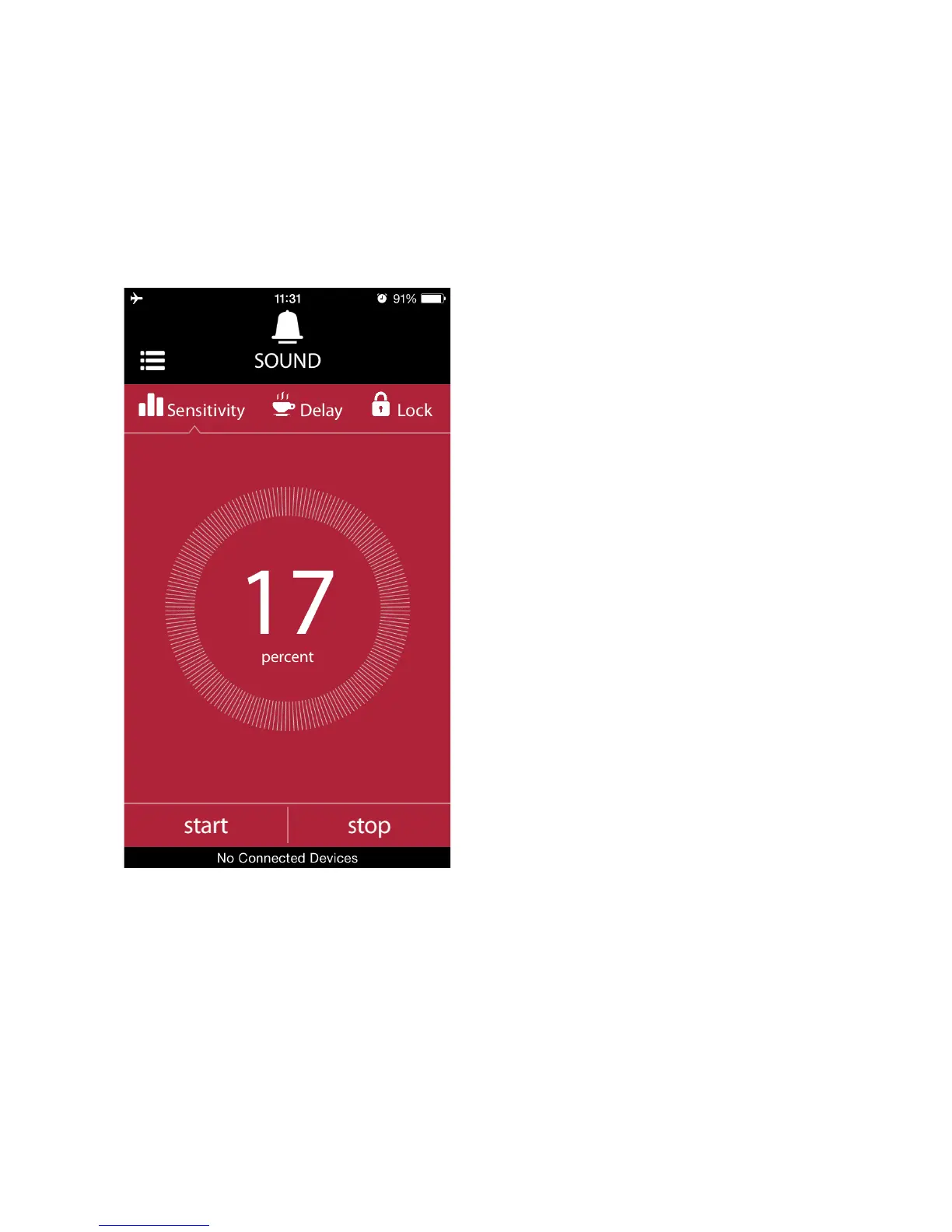
standalone operation. They are the sensitivity, delay and lock. You can set
all of them using the sound mode screen of the app. To switch from one
parameter to the next one, just touch the icon at the top of the screen. You
will see a notch moving to that parameter and the screen will show the
available parameter setting menu. To get detailed information about the
parameters and the usage of the sound mode, please refer to the Sound
Mode section in Standalone Mode Operation of Miops Smart (Chapter 8.c).
The parameters work the same
way as they do in the standalone
mode. The smartphone app just
provides an interface to them. It
also enables to use the mobile
dongle. To know how to use the
mobile dongle in the sound
mode, please refer to the Mobile
Dongle section of the user
manual.



 To Next Page