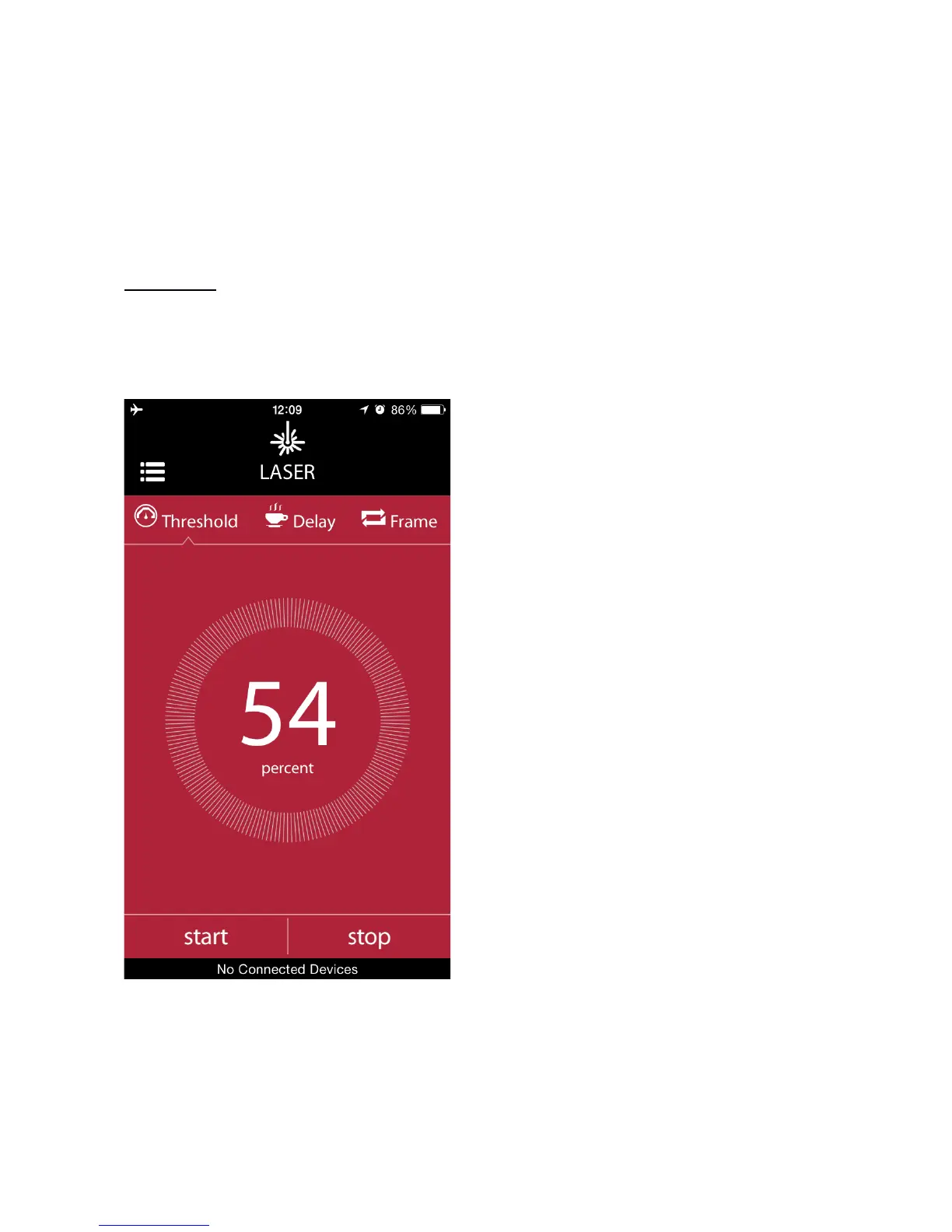
g. Laser Mode
The laser mode works consistently with the standalone operation as well. It
has the same parameters in the smartphone app. To get detailed
information about the parameters and the usage of the laser mode, please
refer to the Laser Mode section in Standalone Mode Operation of Miops
Smart (Chapter 8.e).
Attention: Laser beam can be dangerous. Avoid eye contact. Use the
laser source at your own risk. We strongly recommend that you use
a protective goggle.
You can set the parameters of
the laser mode by using the dials
on the screen. To switch between
different modes, just touch the
icon of that parameter. A notch
will move to the parameter and
you can change the parameter
value by using the dial. You can
also enable the mobile dongle
from this screen. To know how to
use the mobile dongle in the
laser mode, please refer to the
Mobile Dongle section of the user
manual.



 To Next Page